- Only Apple's own badge, never redrawn or recoloured.
- At least 40 pixels high on screen, 10 mm in print.
- Clear space all round of a quarter of the badge's height.
- In the language of your page: Download on the App Store, or Download in de App Store.
- Never larger or louder than the PartyPPL logo.
- No Apple logo apart from the badge.
APP STORE
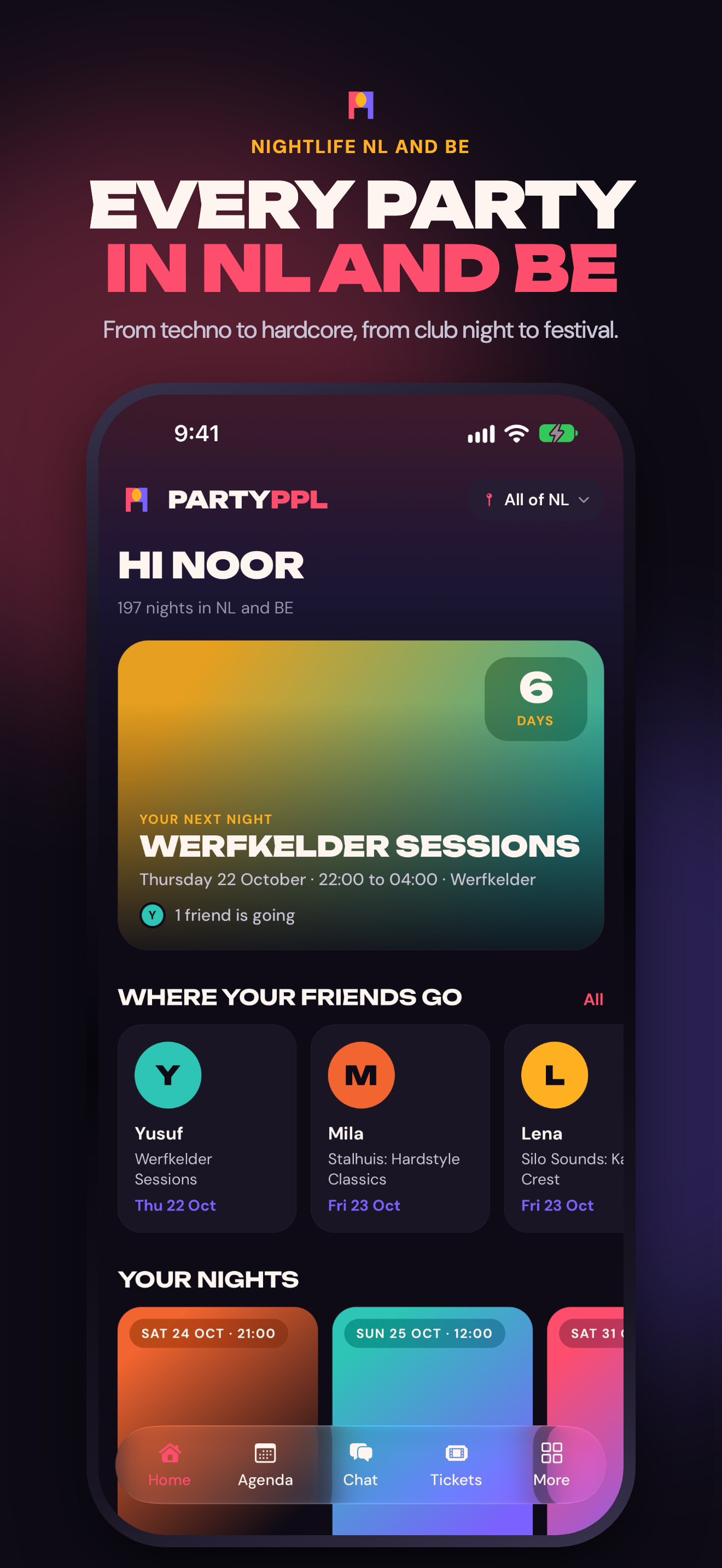
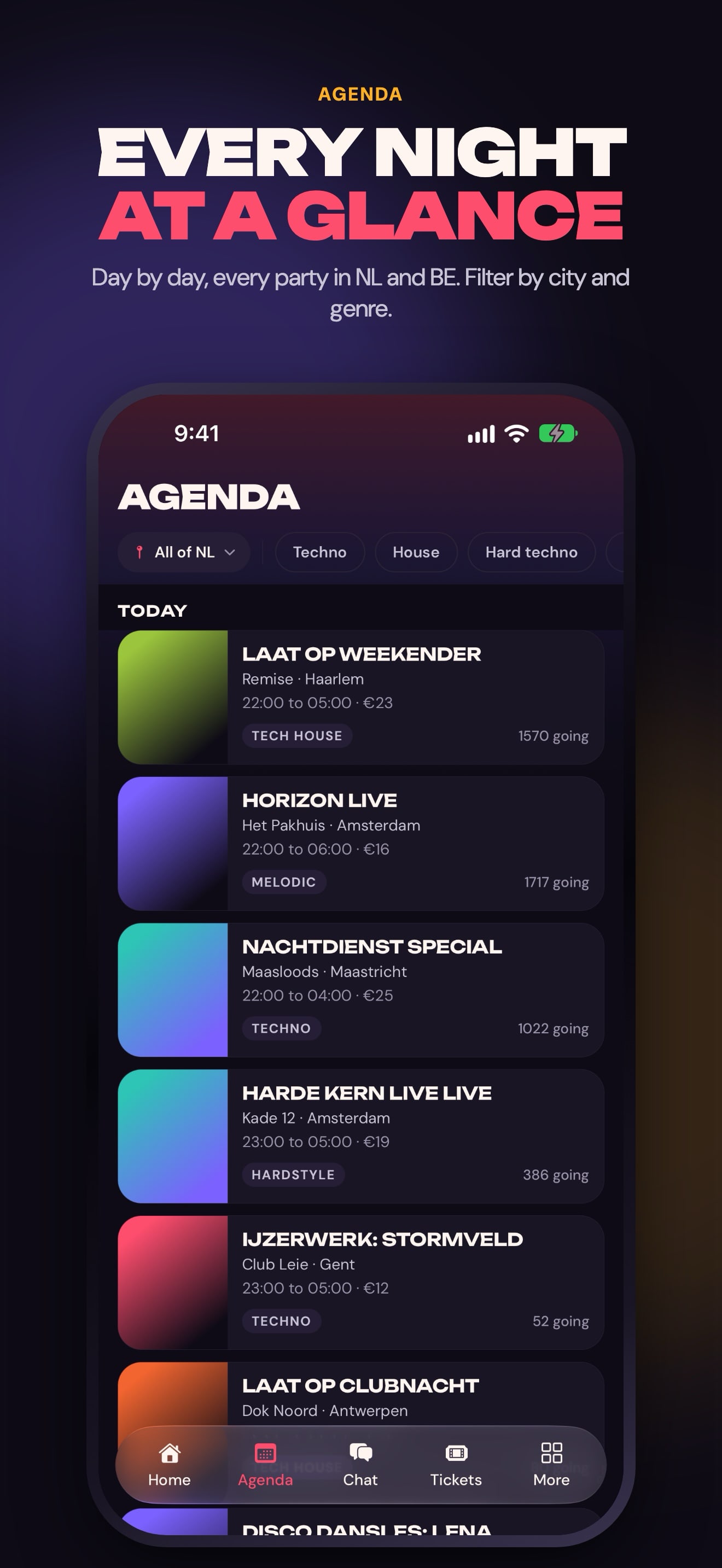
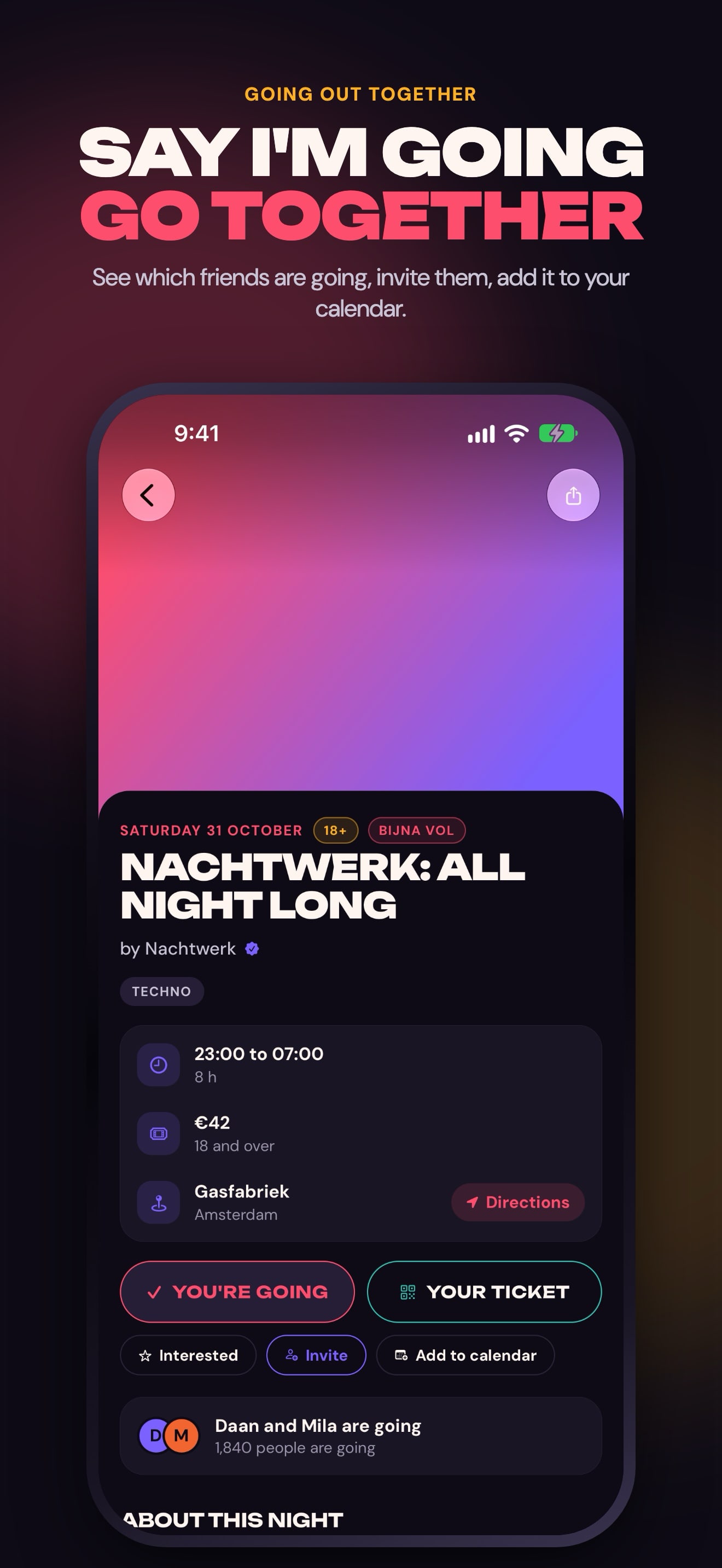
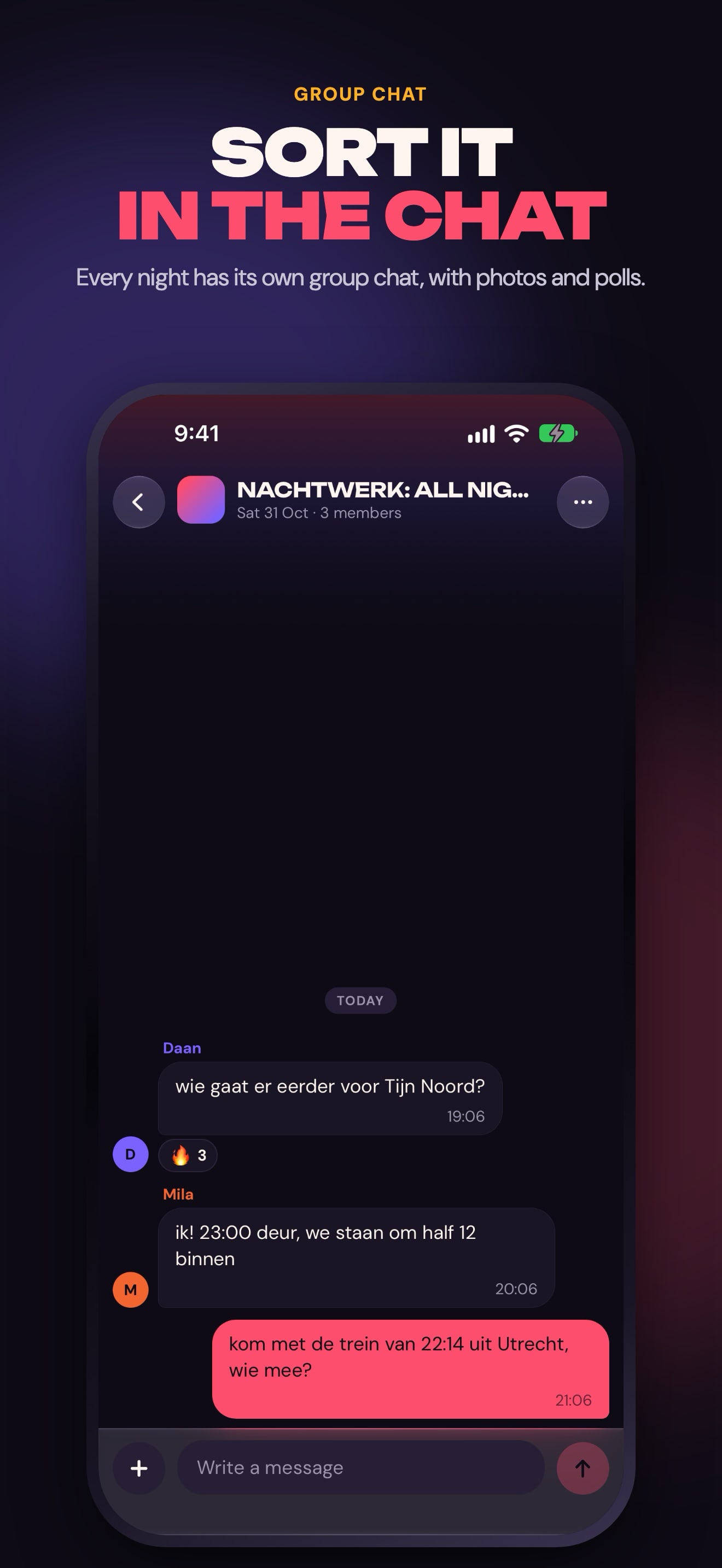
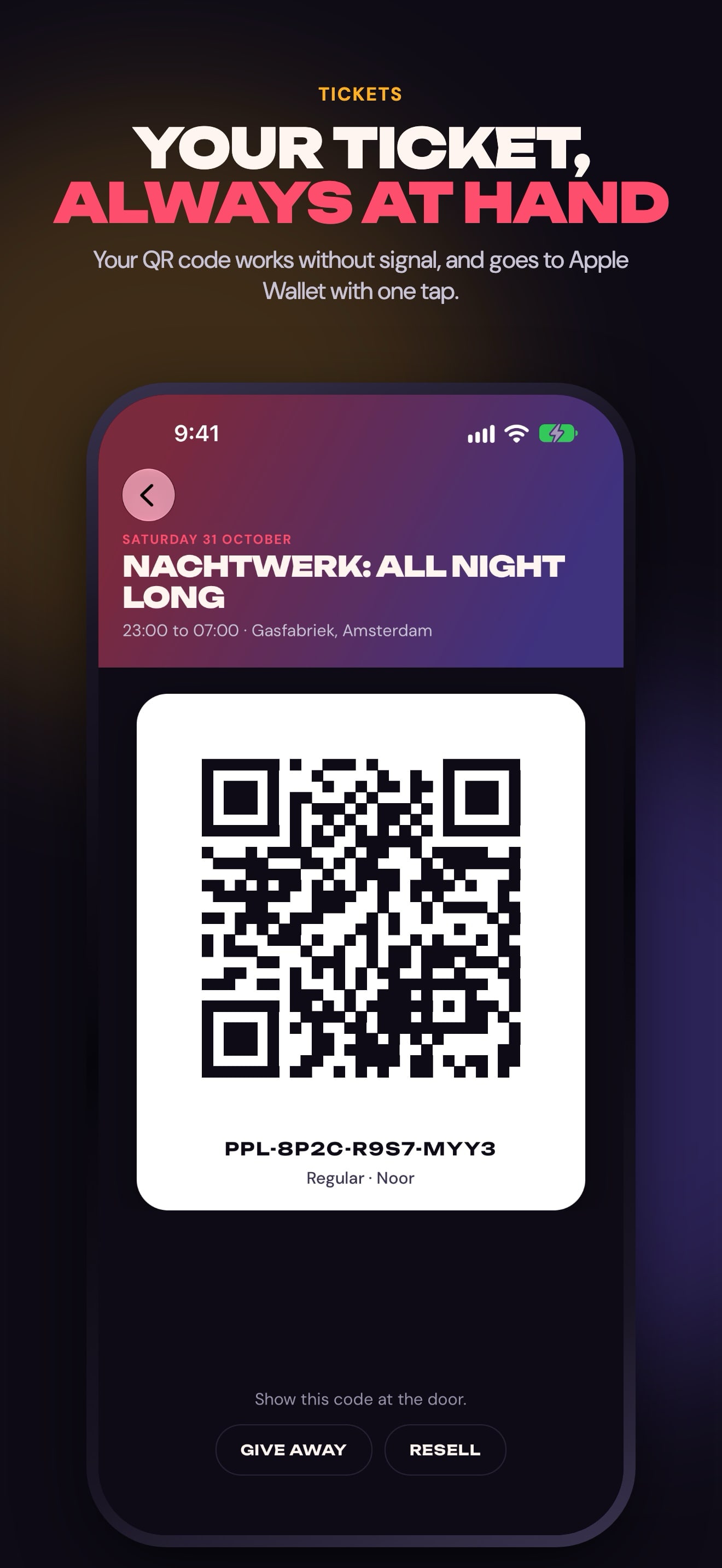
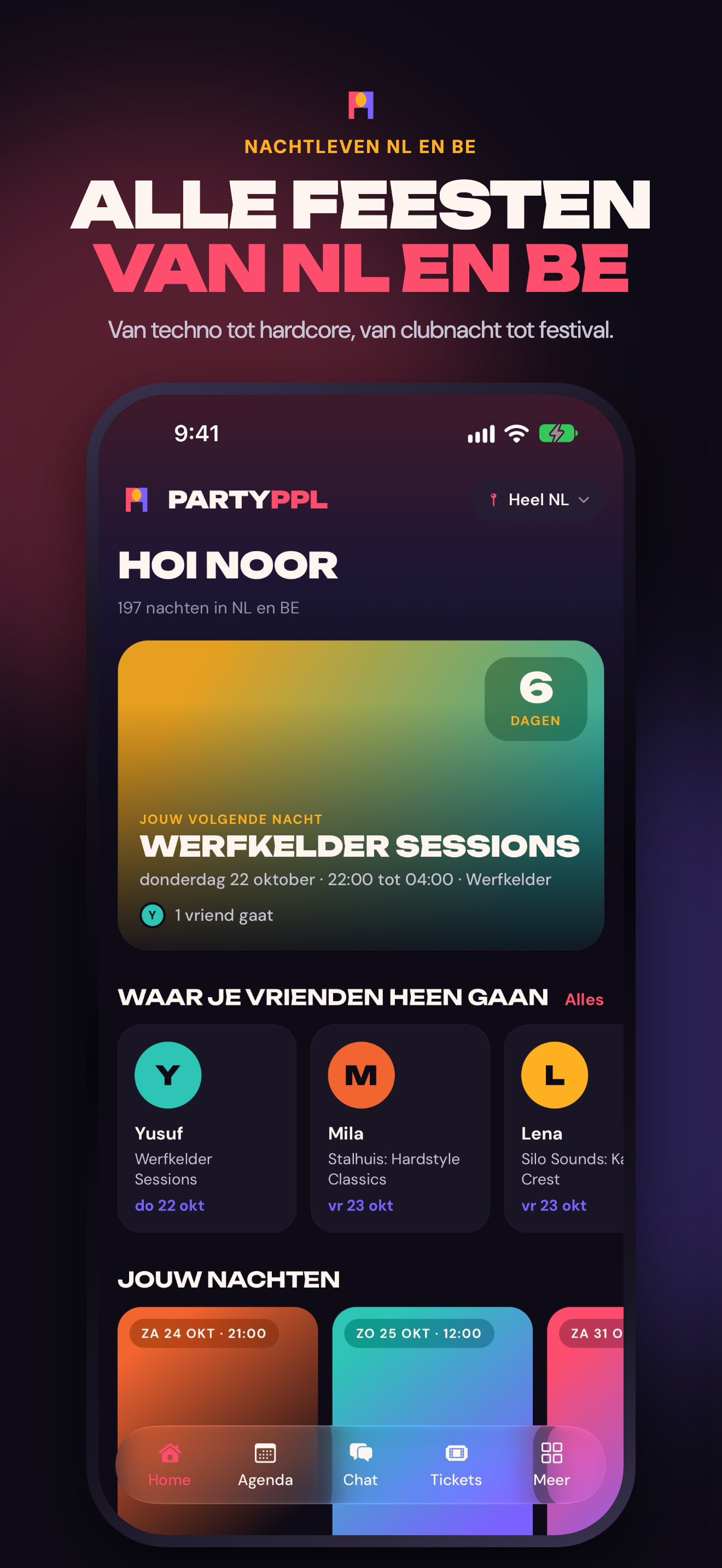
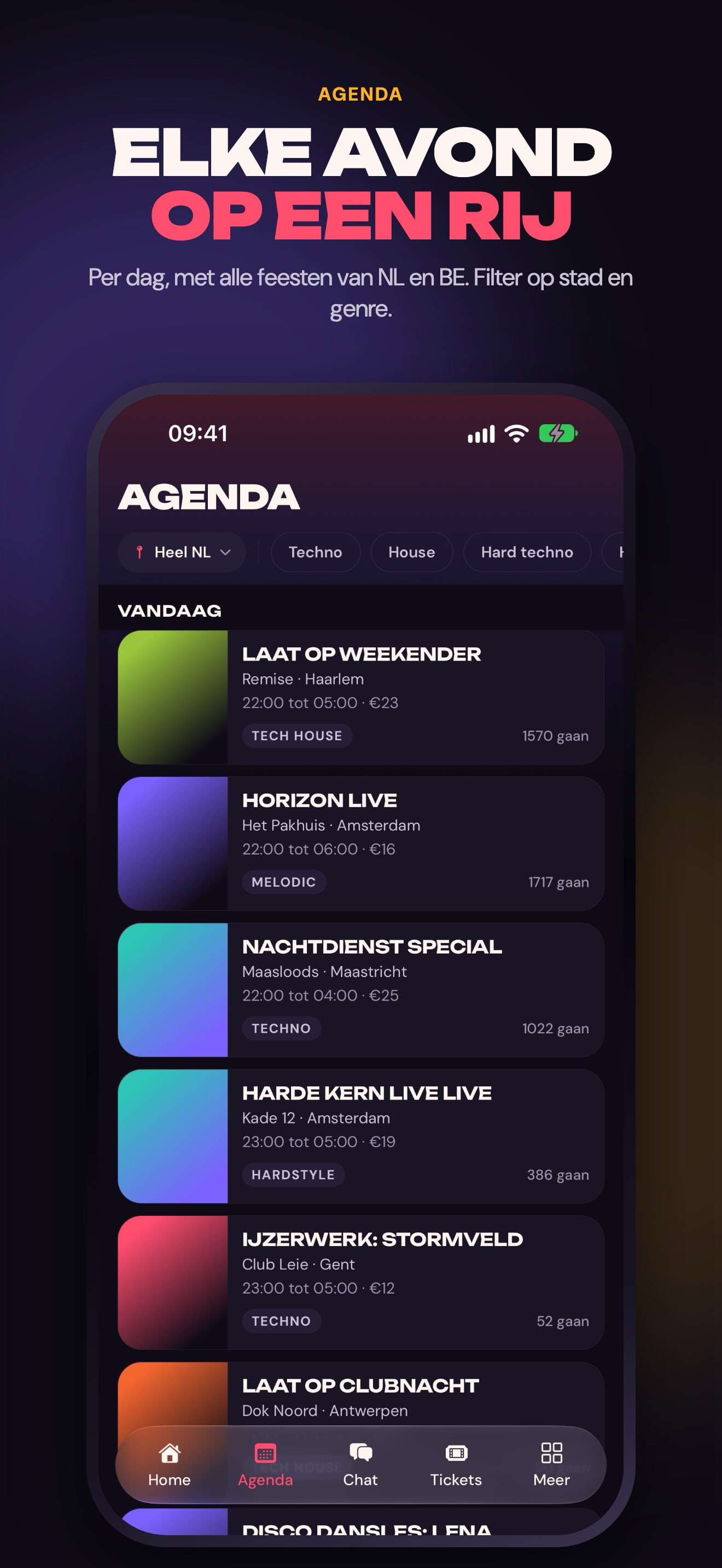
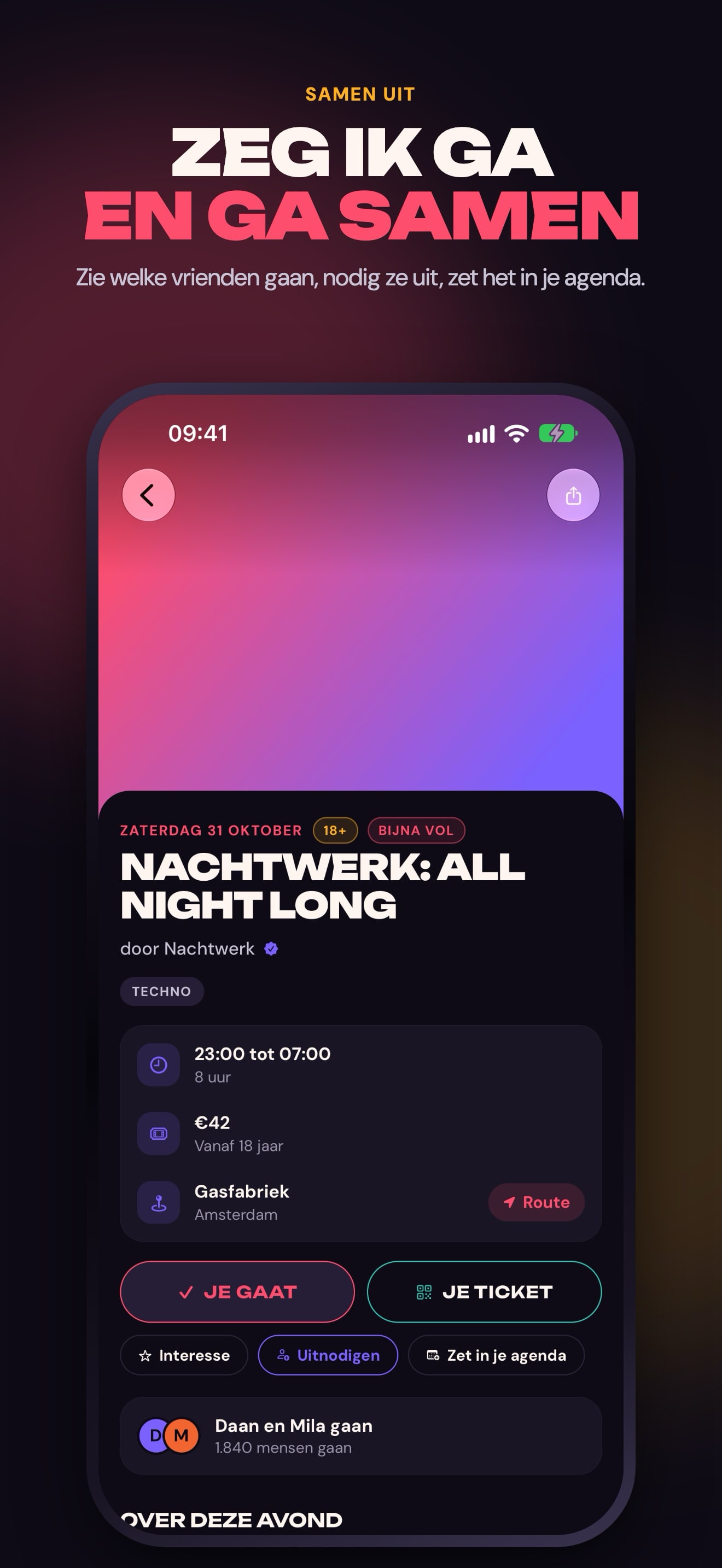
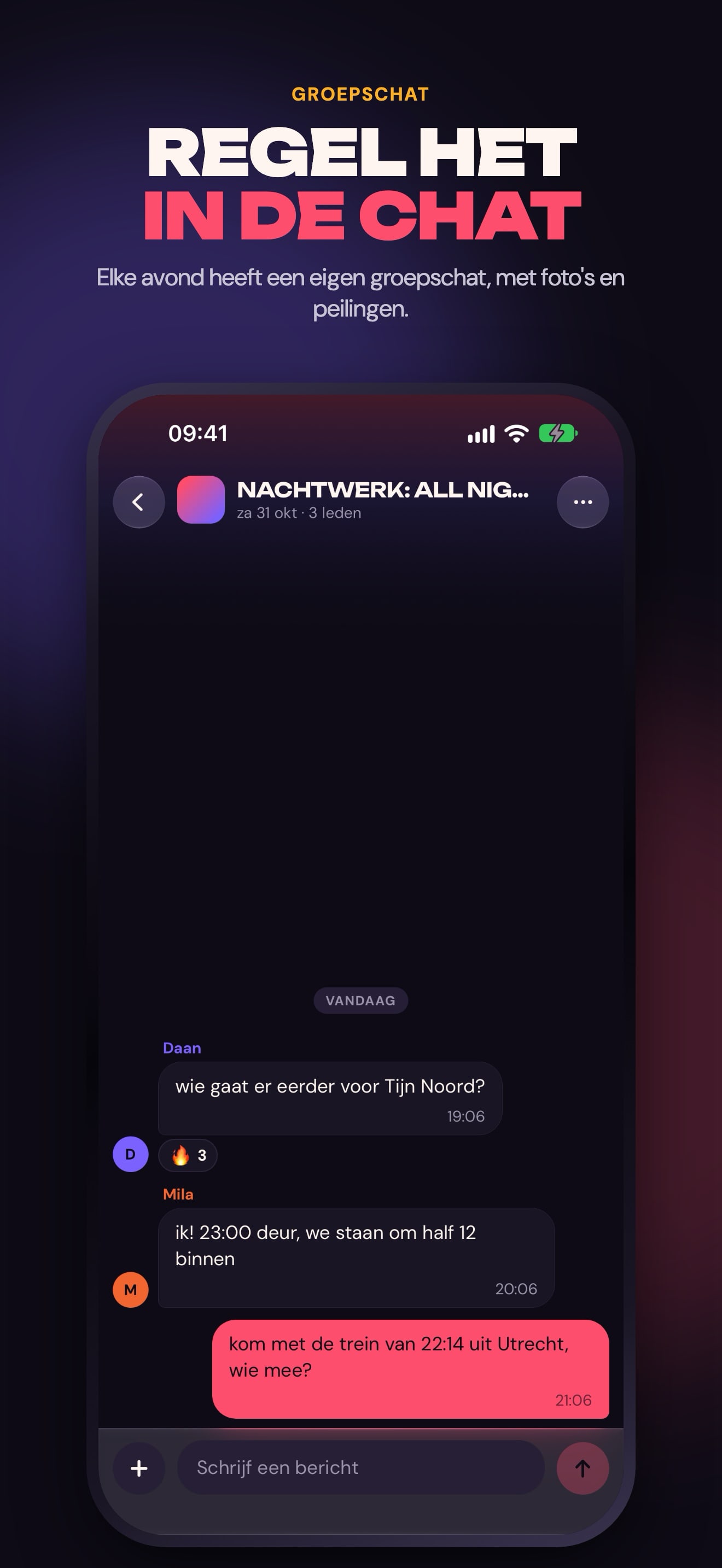
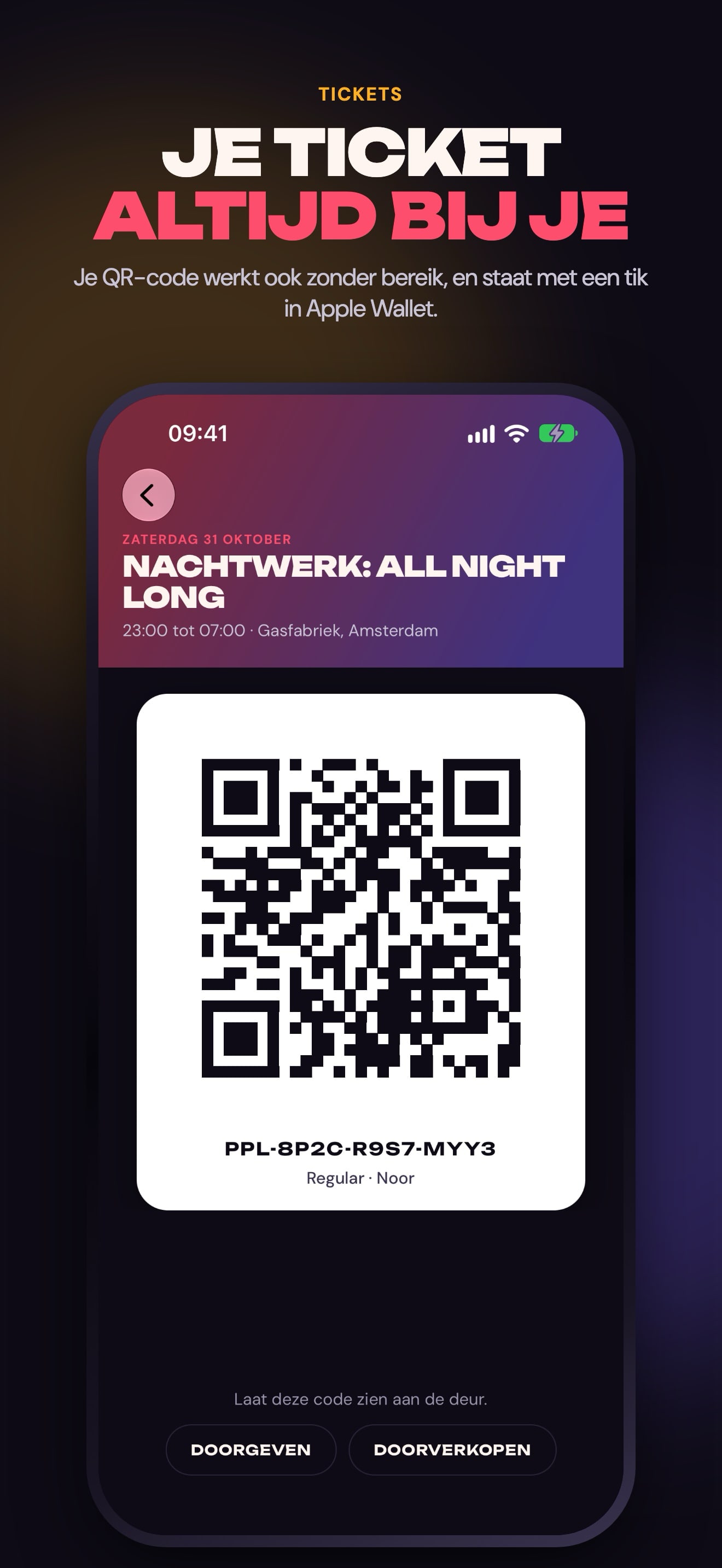
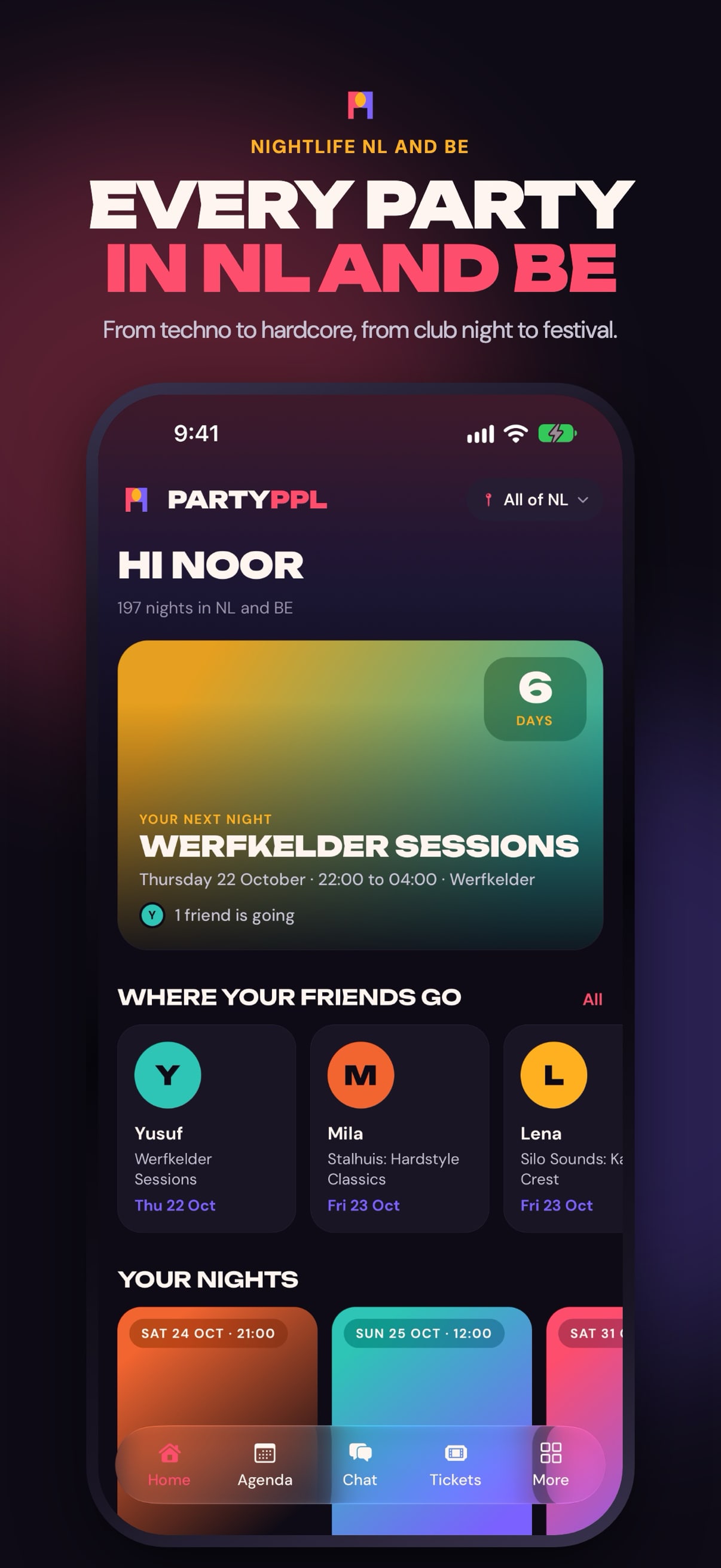
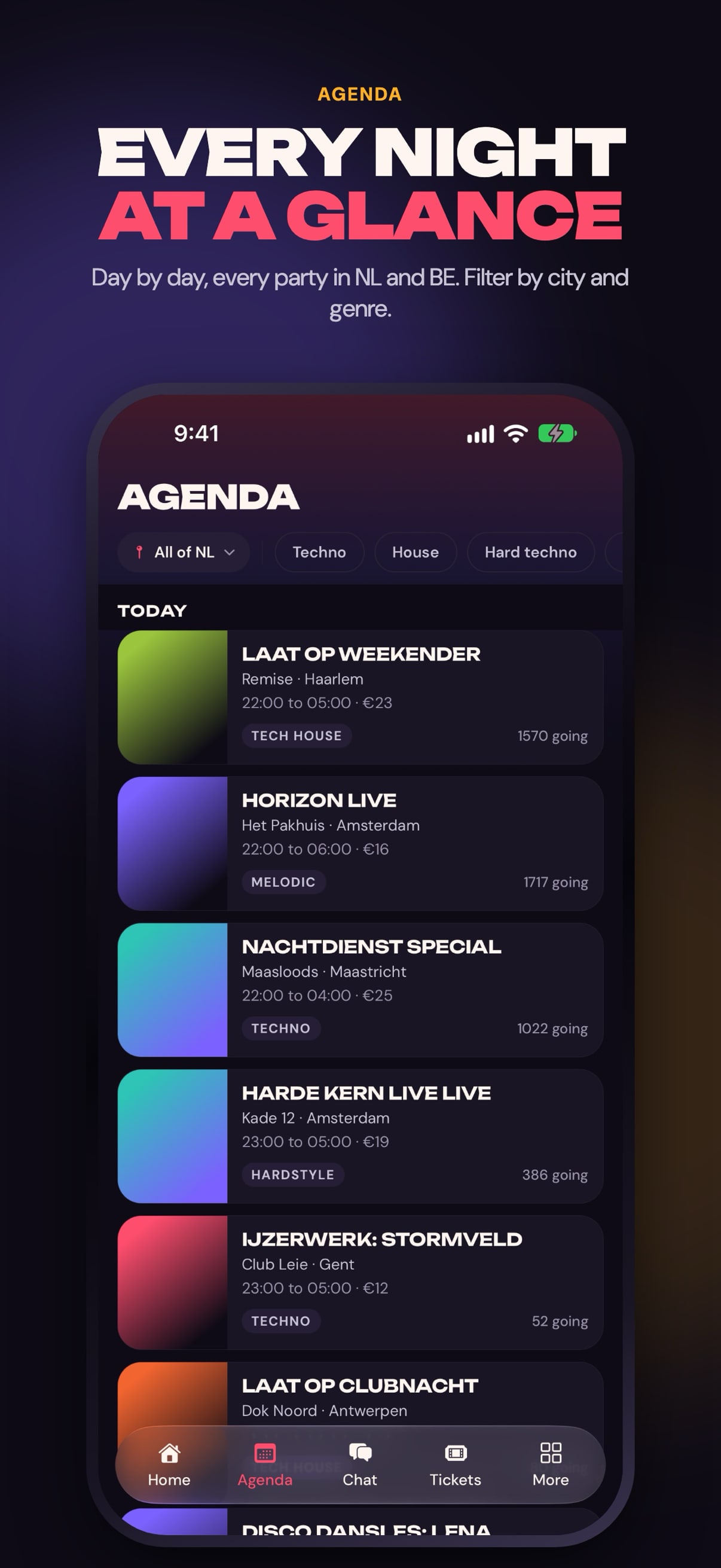
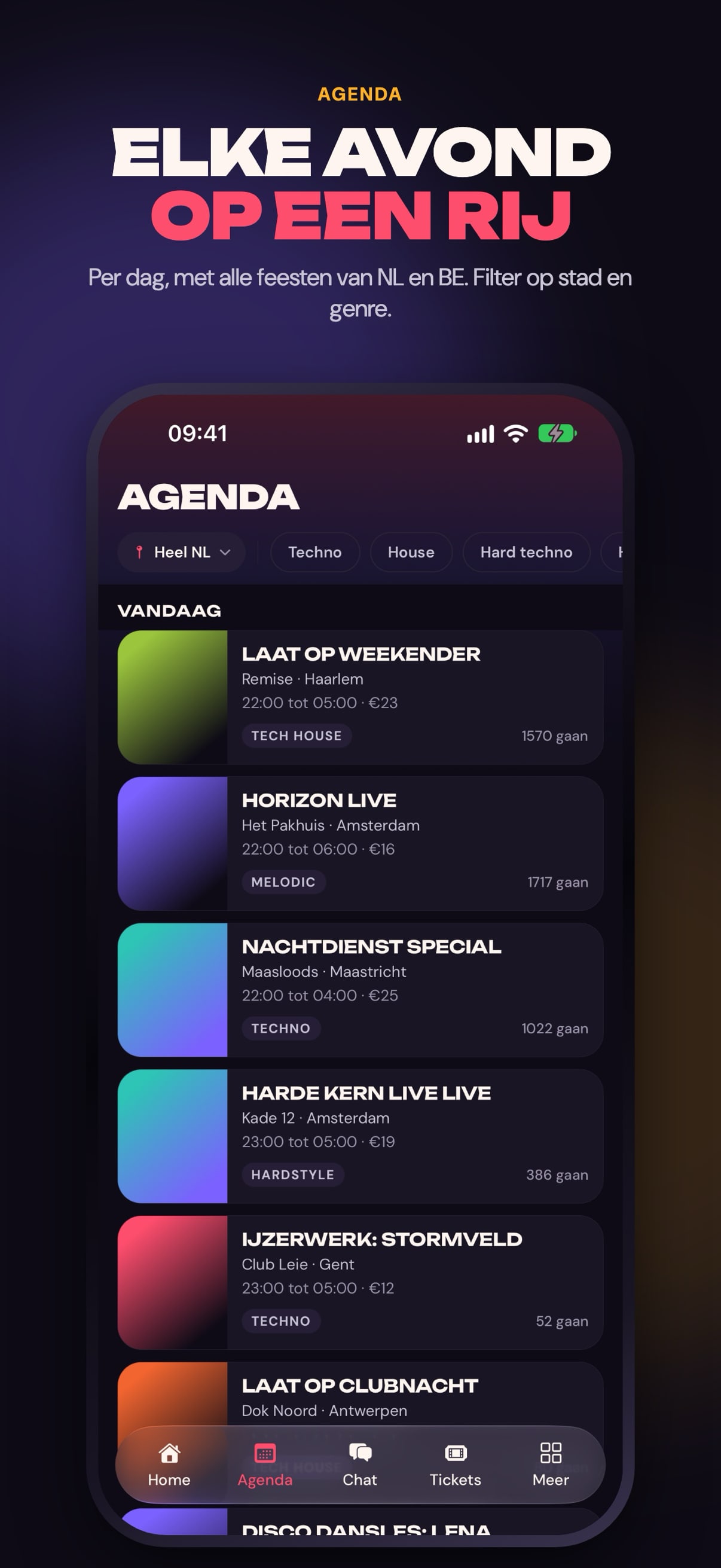
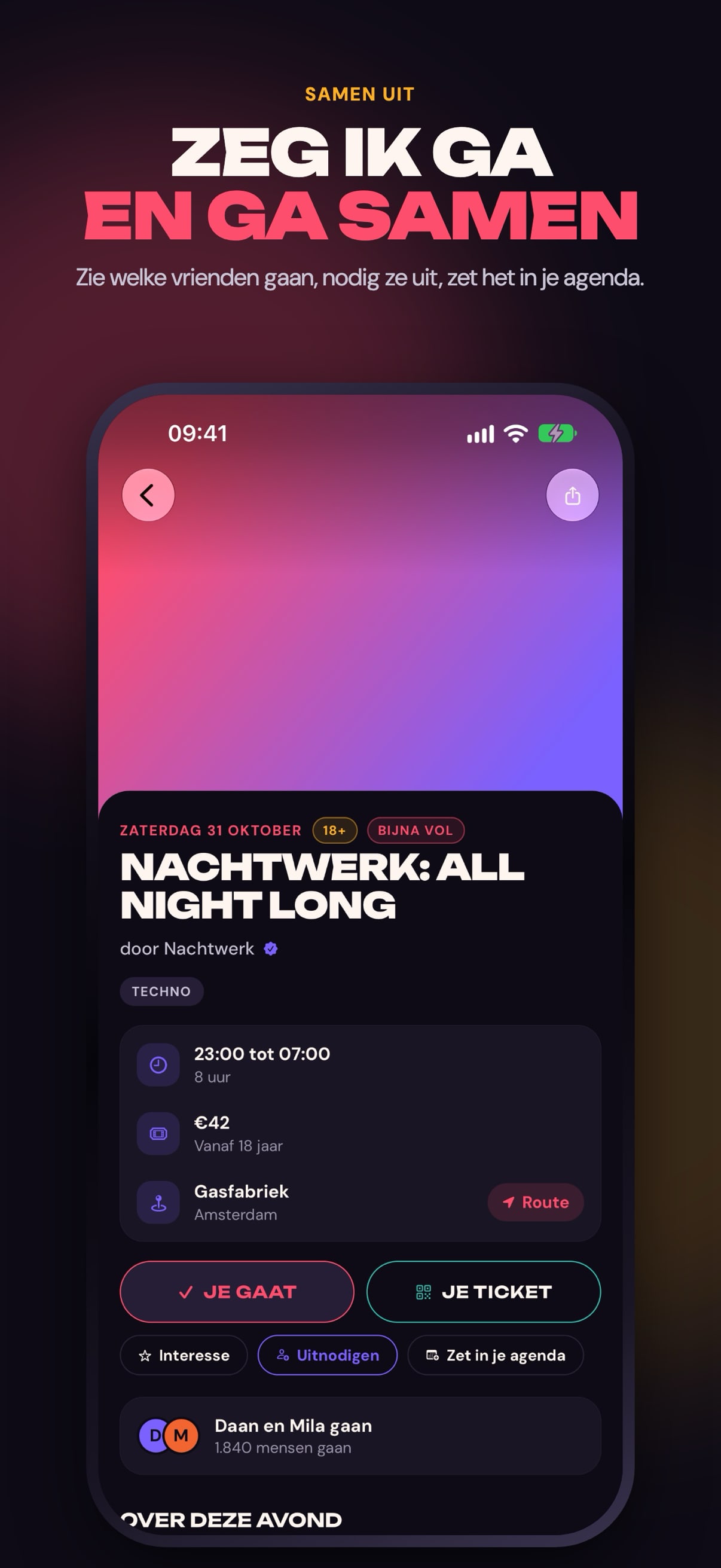
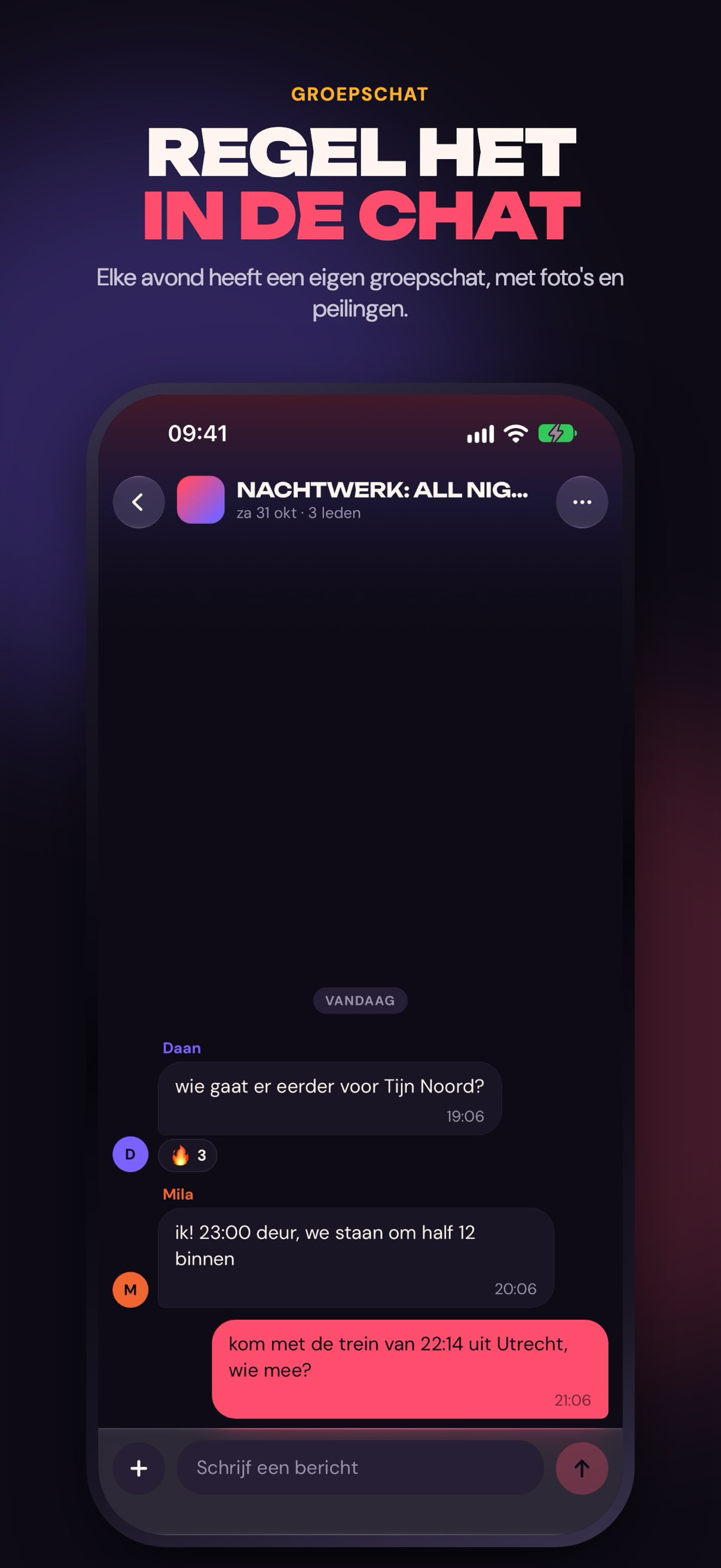
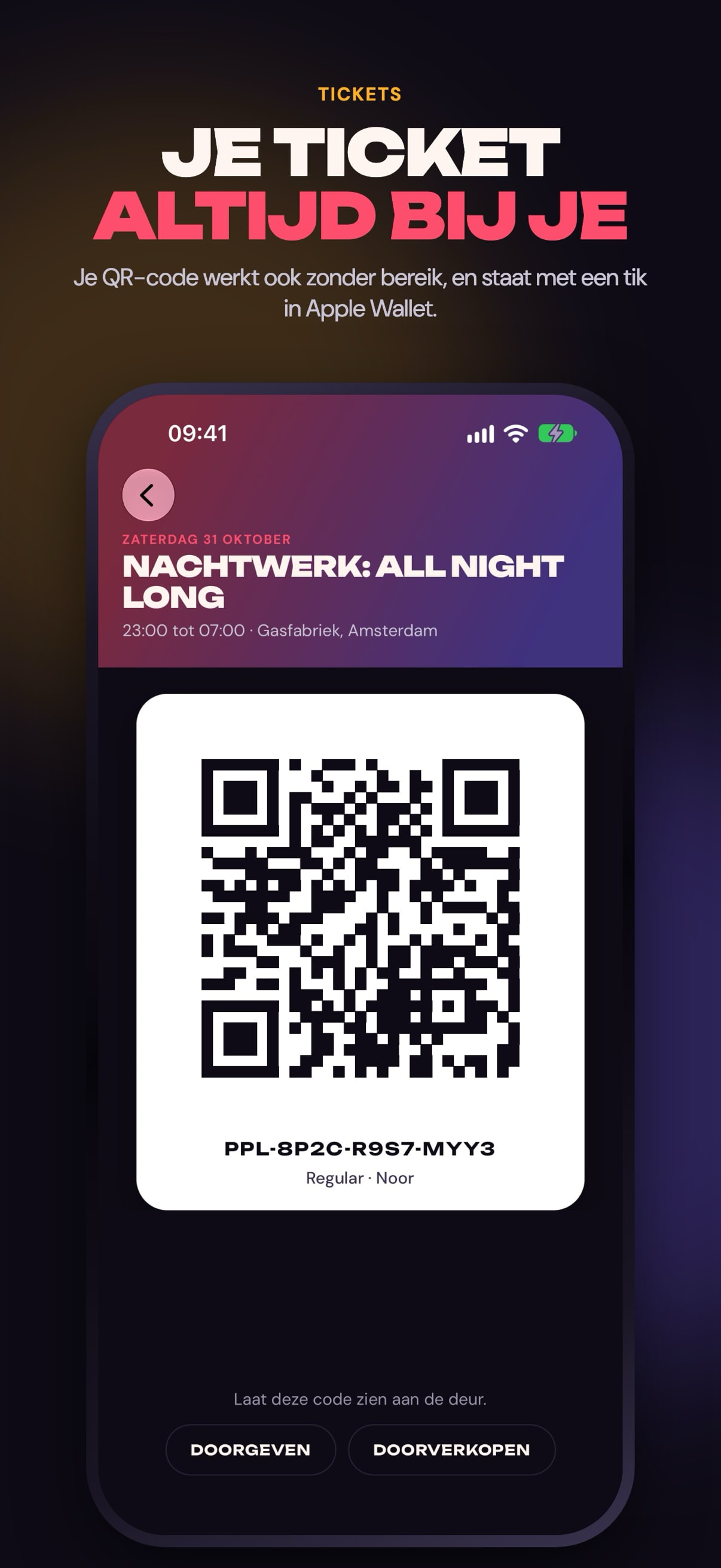
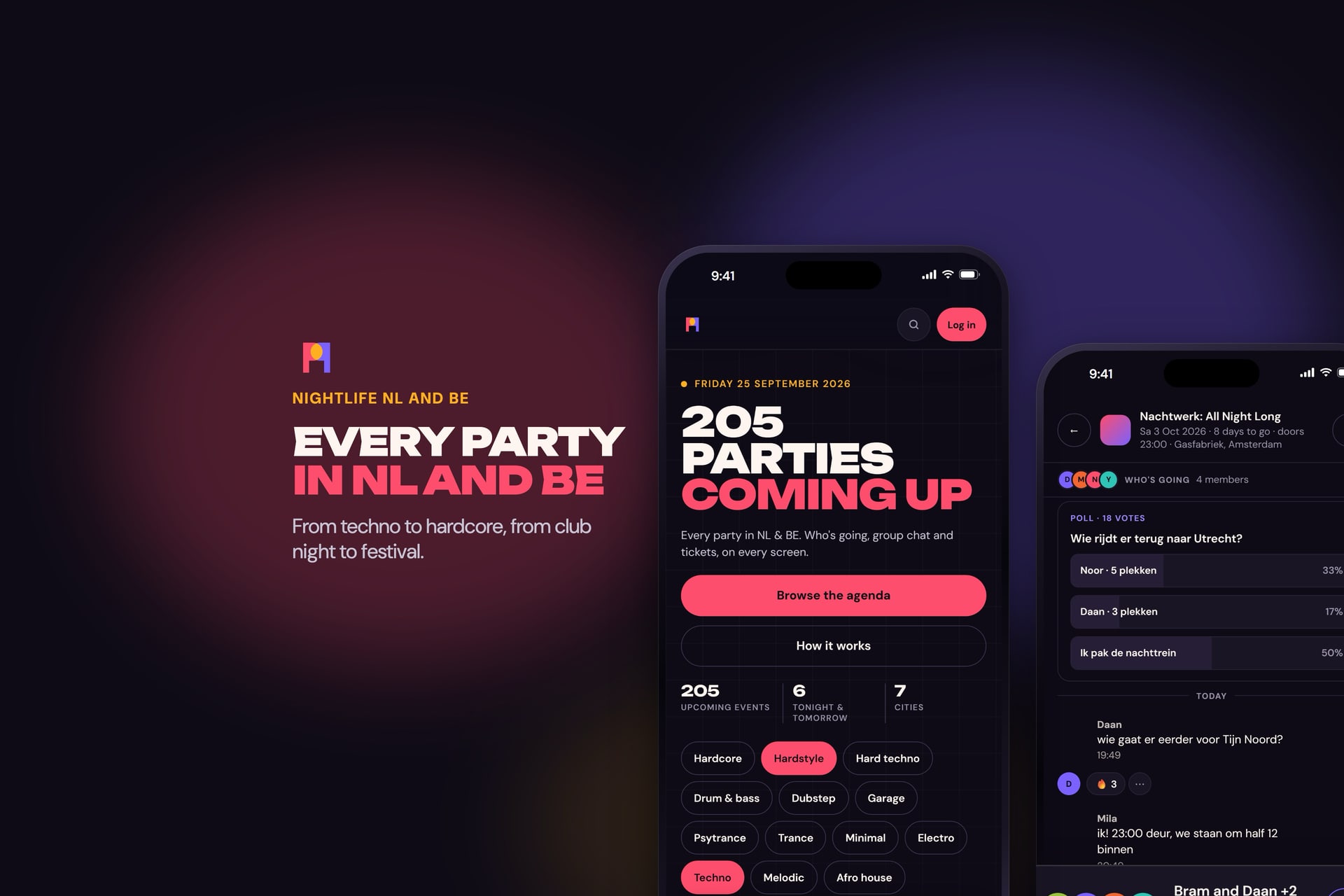
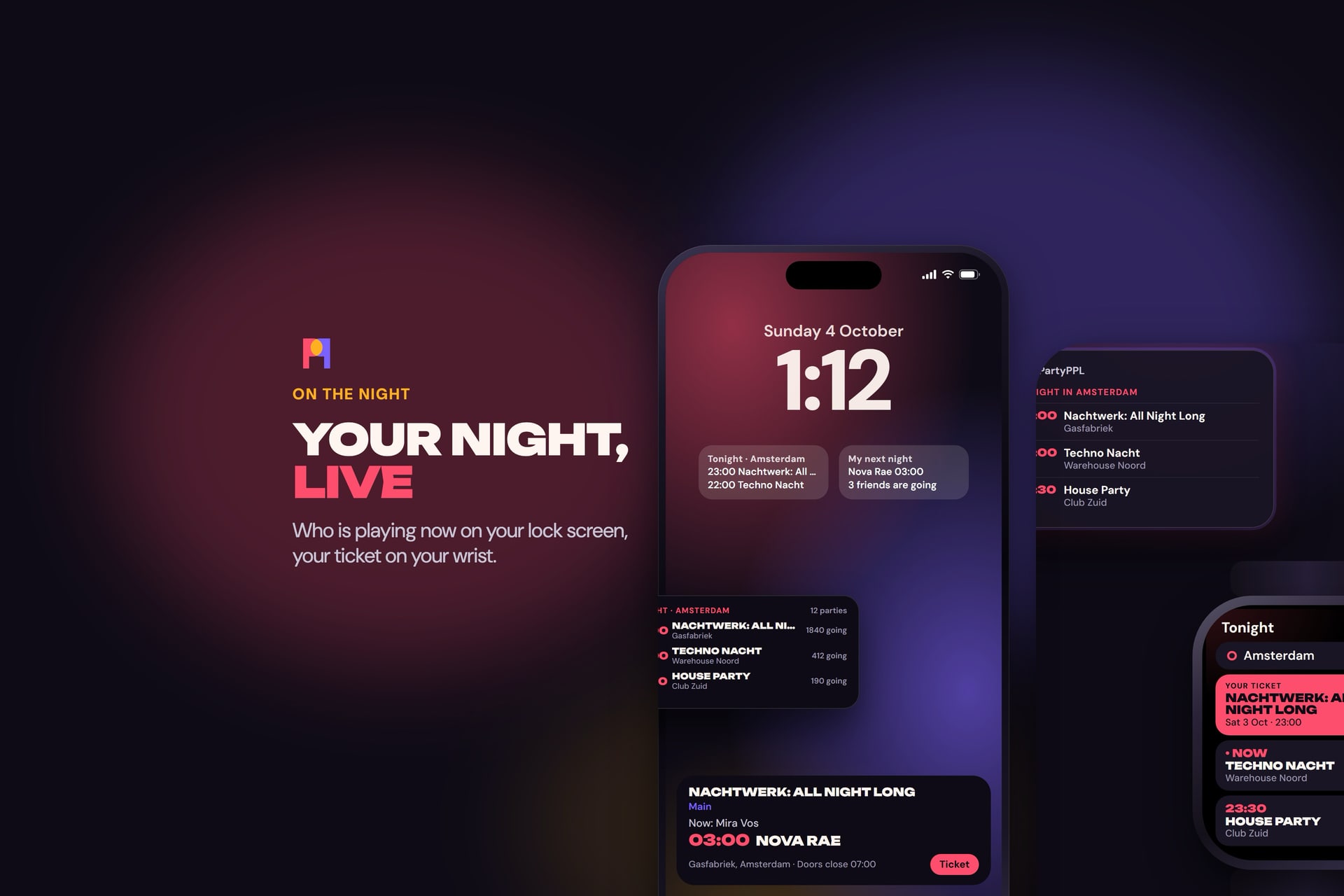
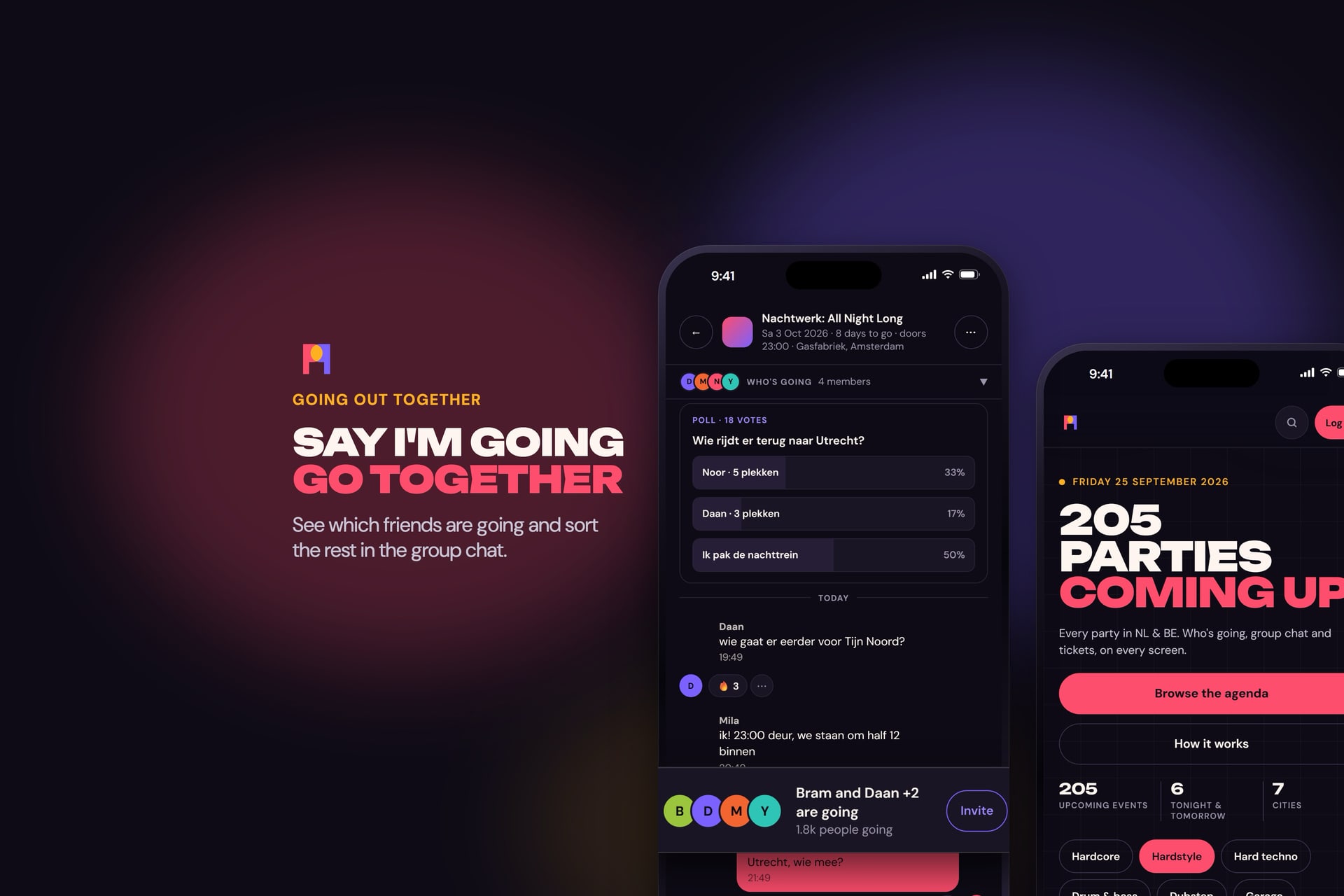
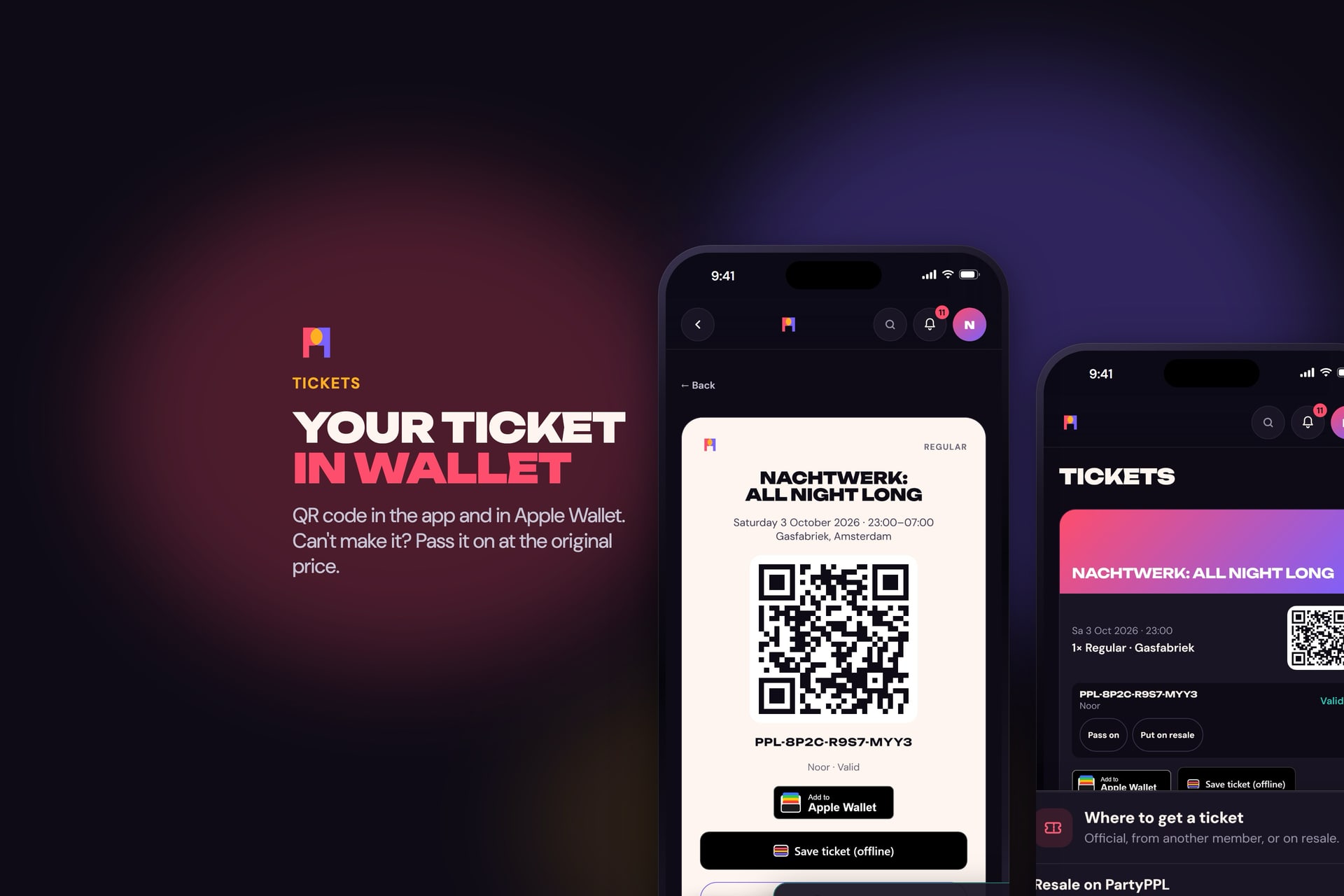
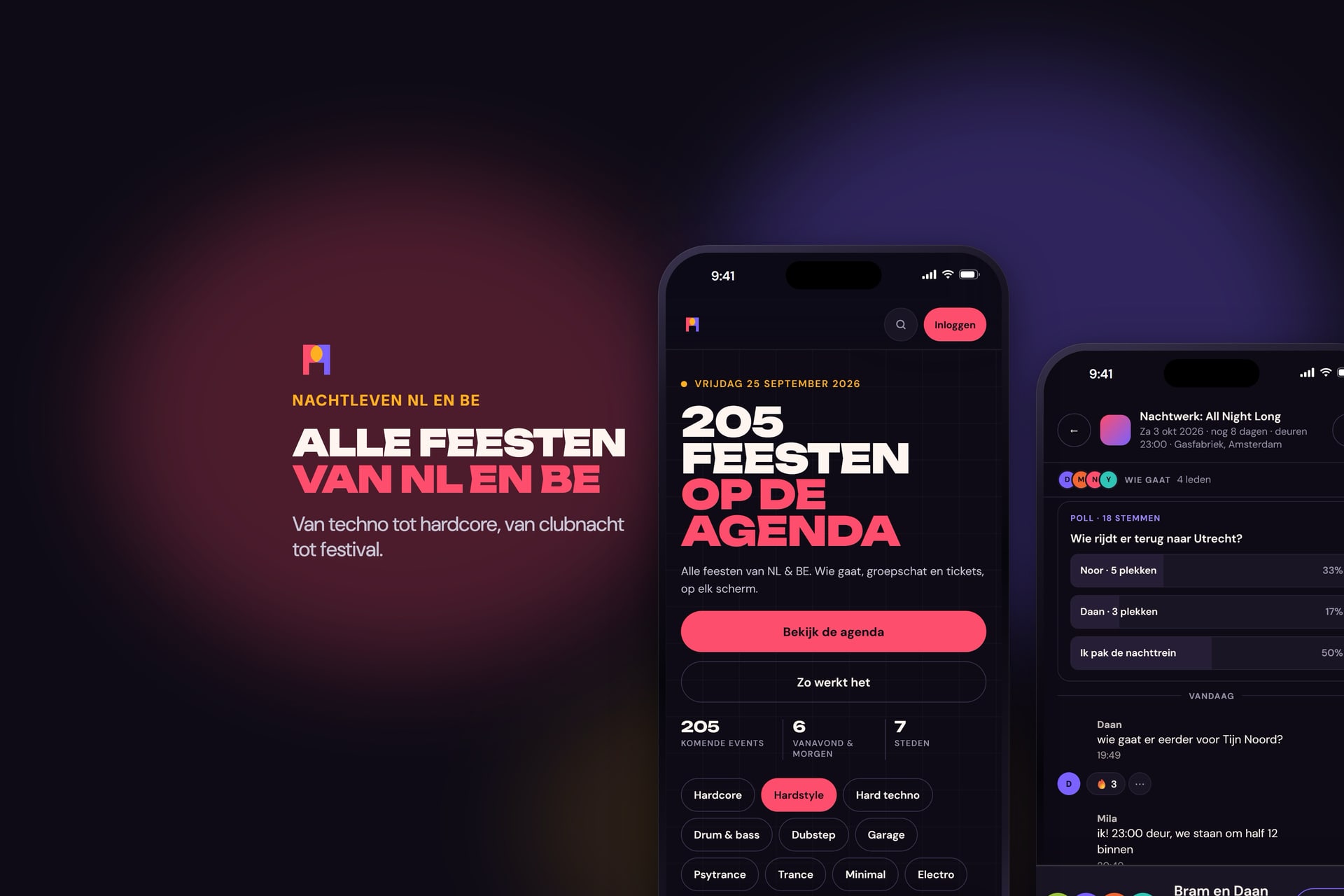
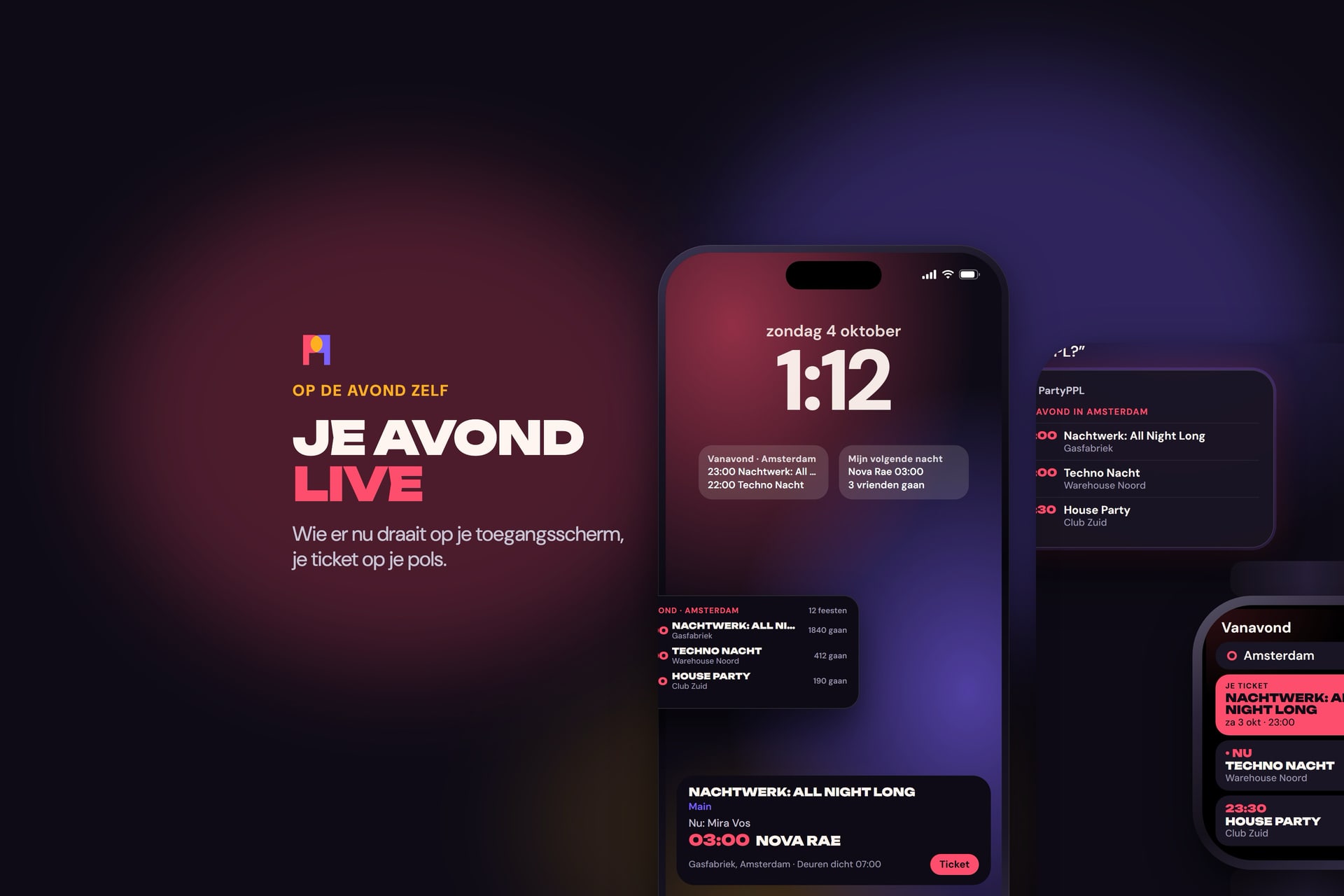
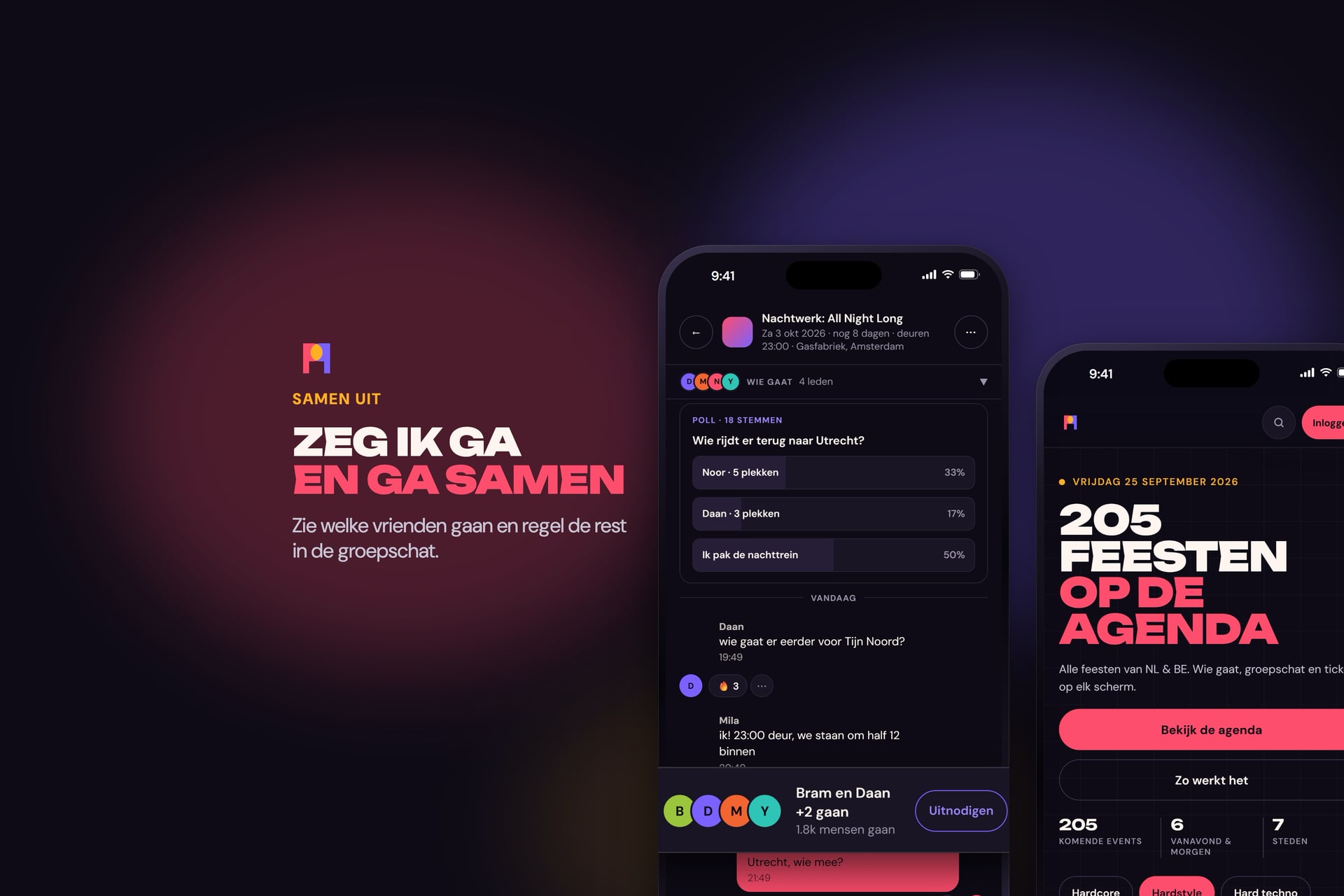
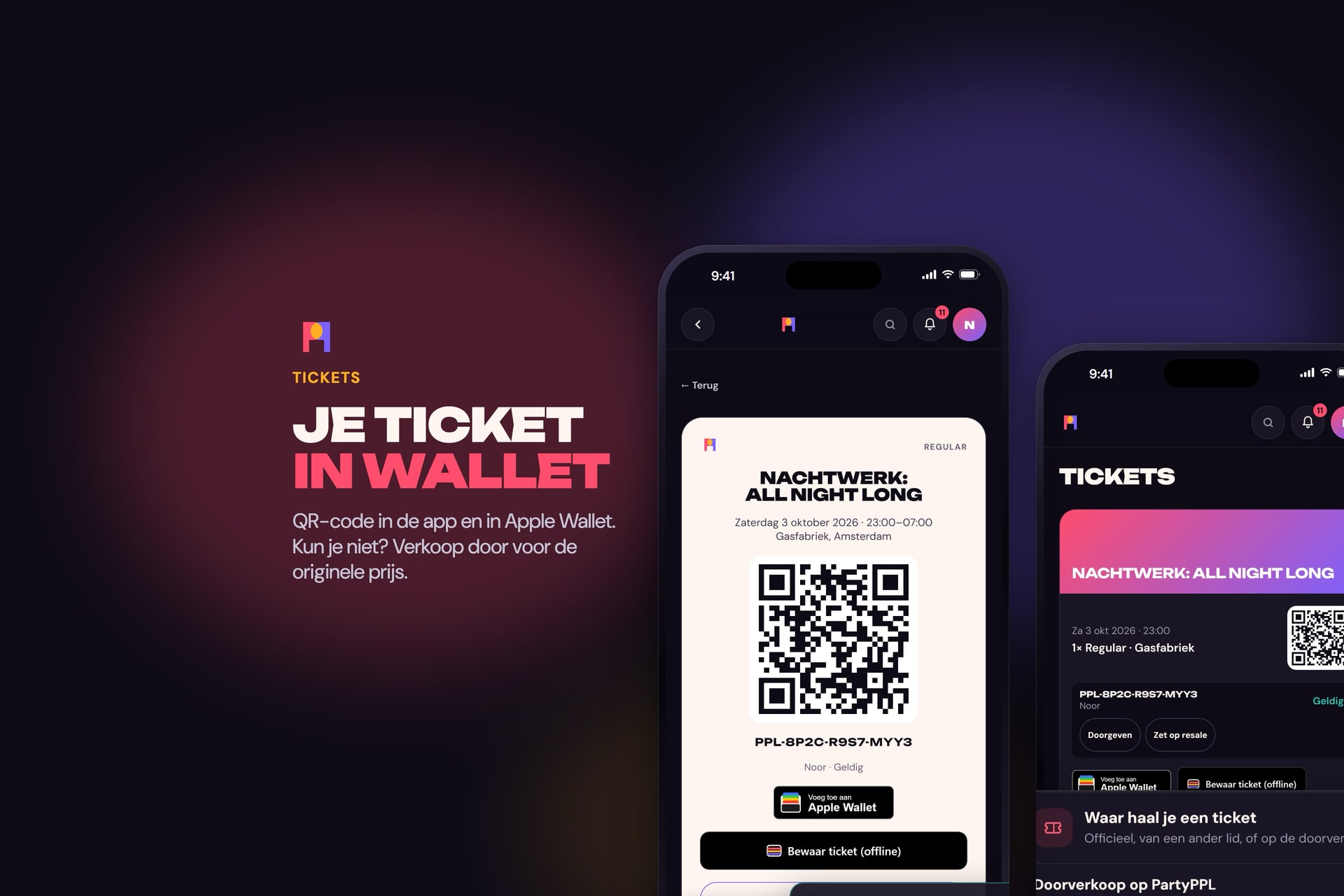
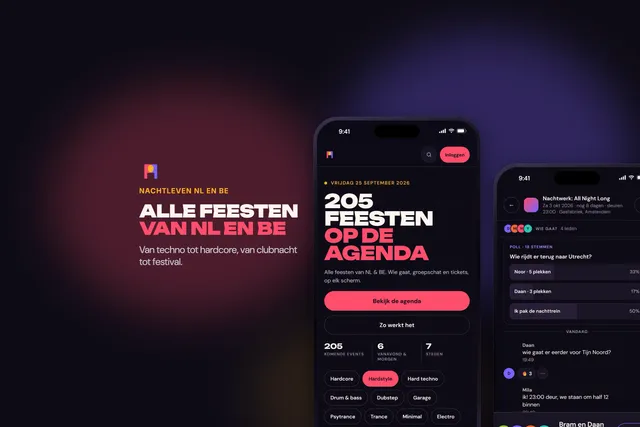
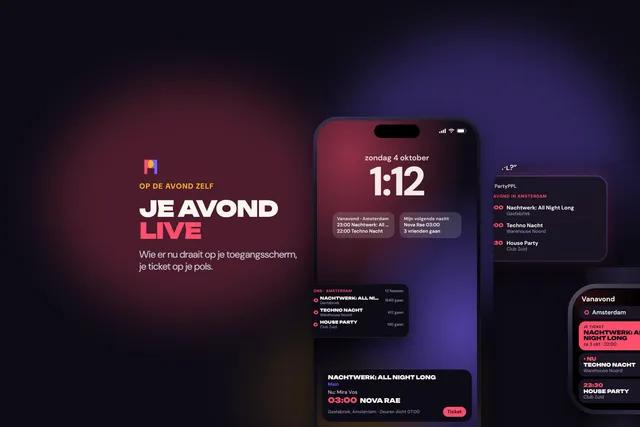
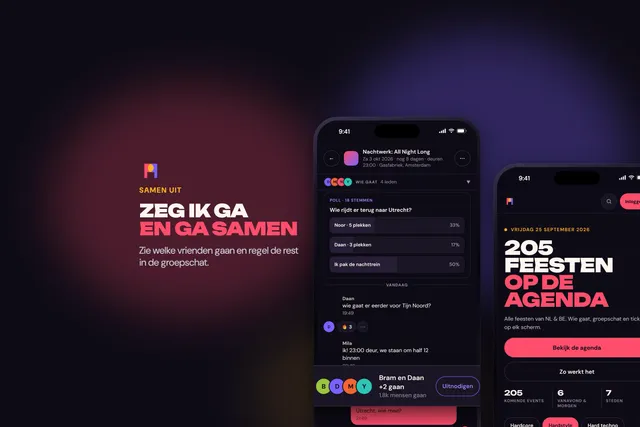
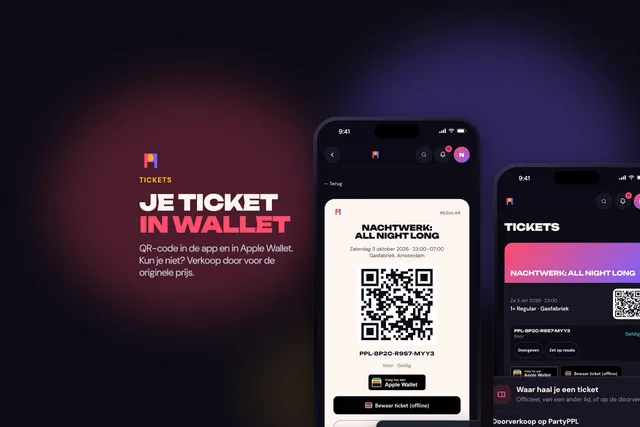
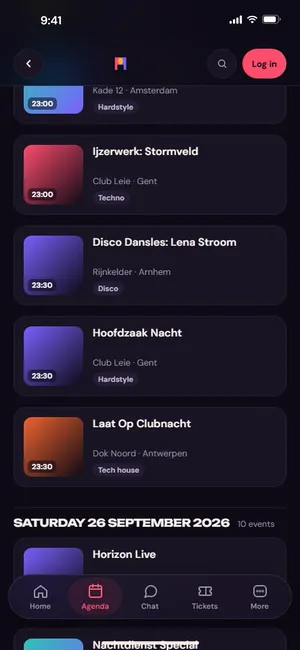
The images for our App Store page: real screens from the app, with a made-up agenda. The app is coming to the App Store soon; until then these are the images you may use.
Every party, venue and artist on screen is made up (the demo agenda), and there are no prices: those change.
iPhone, 6.9 inch
The App Store set, 1320 by 2868. Apple scales it to the smaller iPhones.
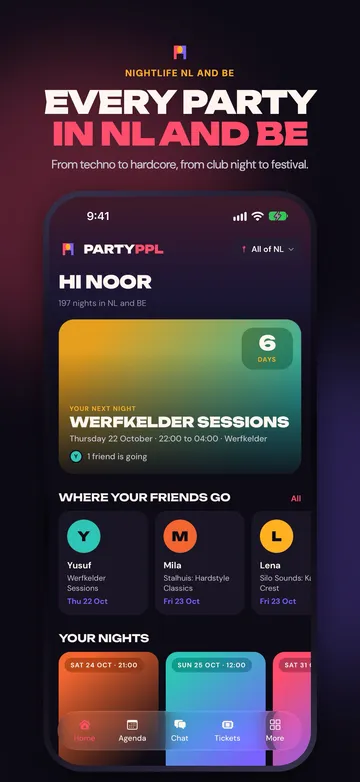 JPG 1320, iPhone, 6.9 inch, 01-home, 1320 × 2868, 213 kB
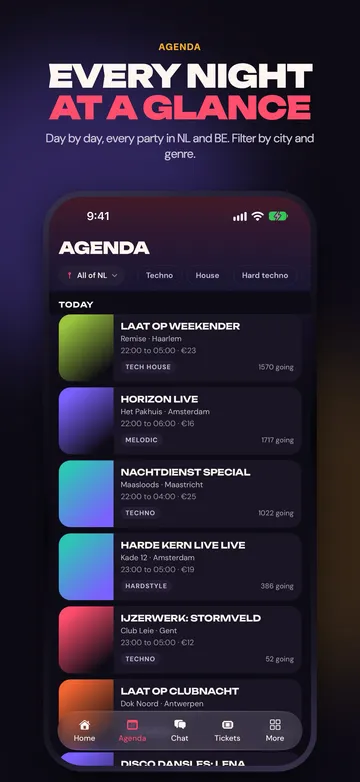 JPG 1320, iPhone, 6.9 inch, 02-agenda, 1320 × 2868, 215 kB
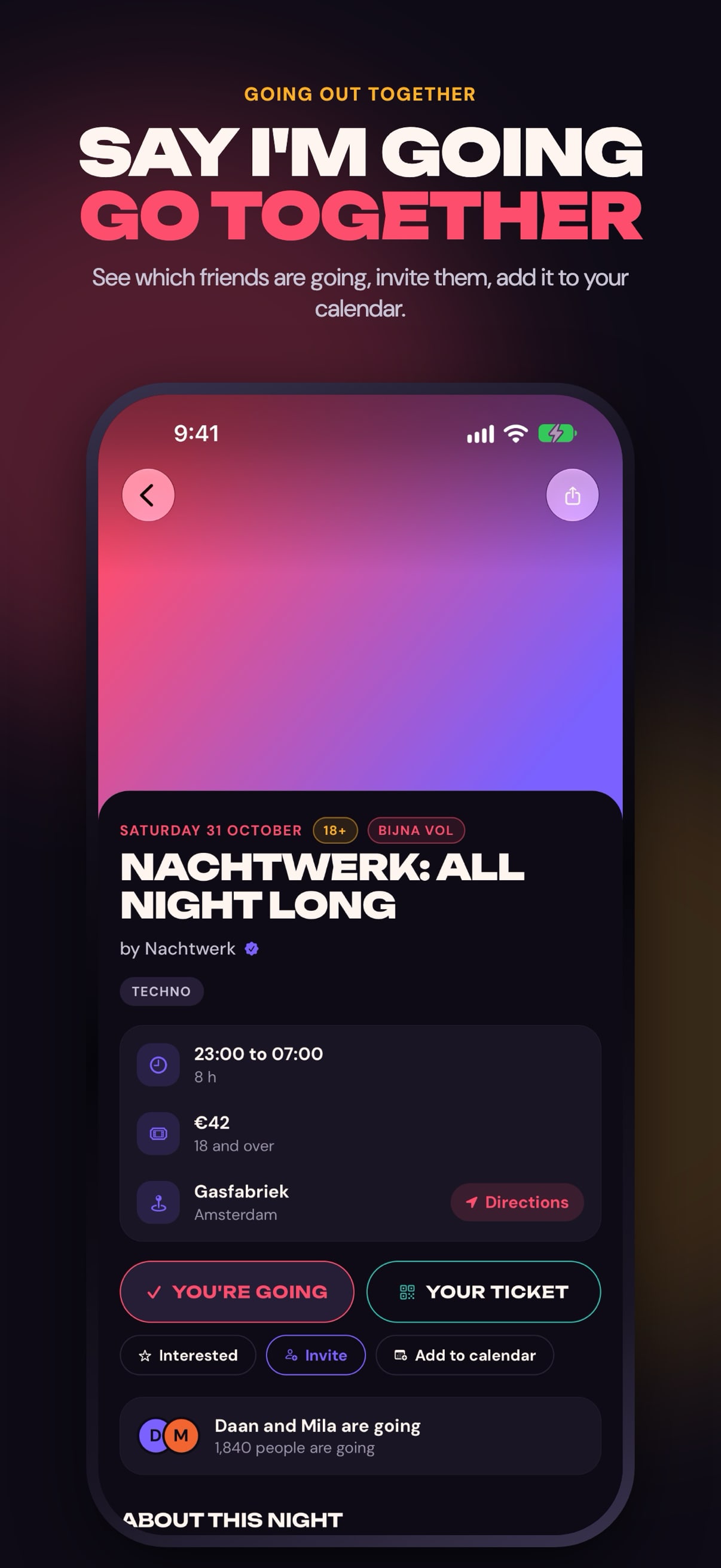
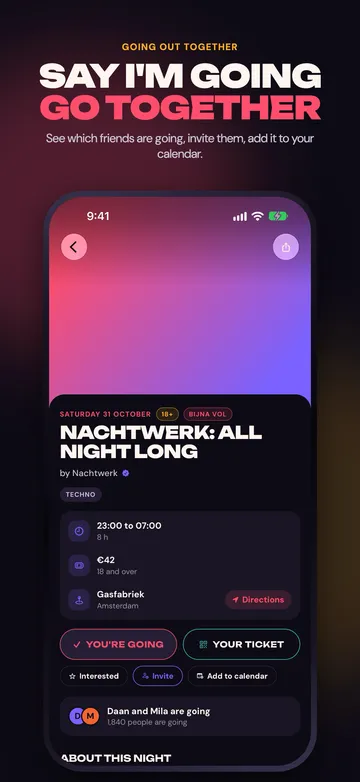 JPG 1320, iPhone, 6.9 inch, 03-event, 1320 × 2868, 193 kB
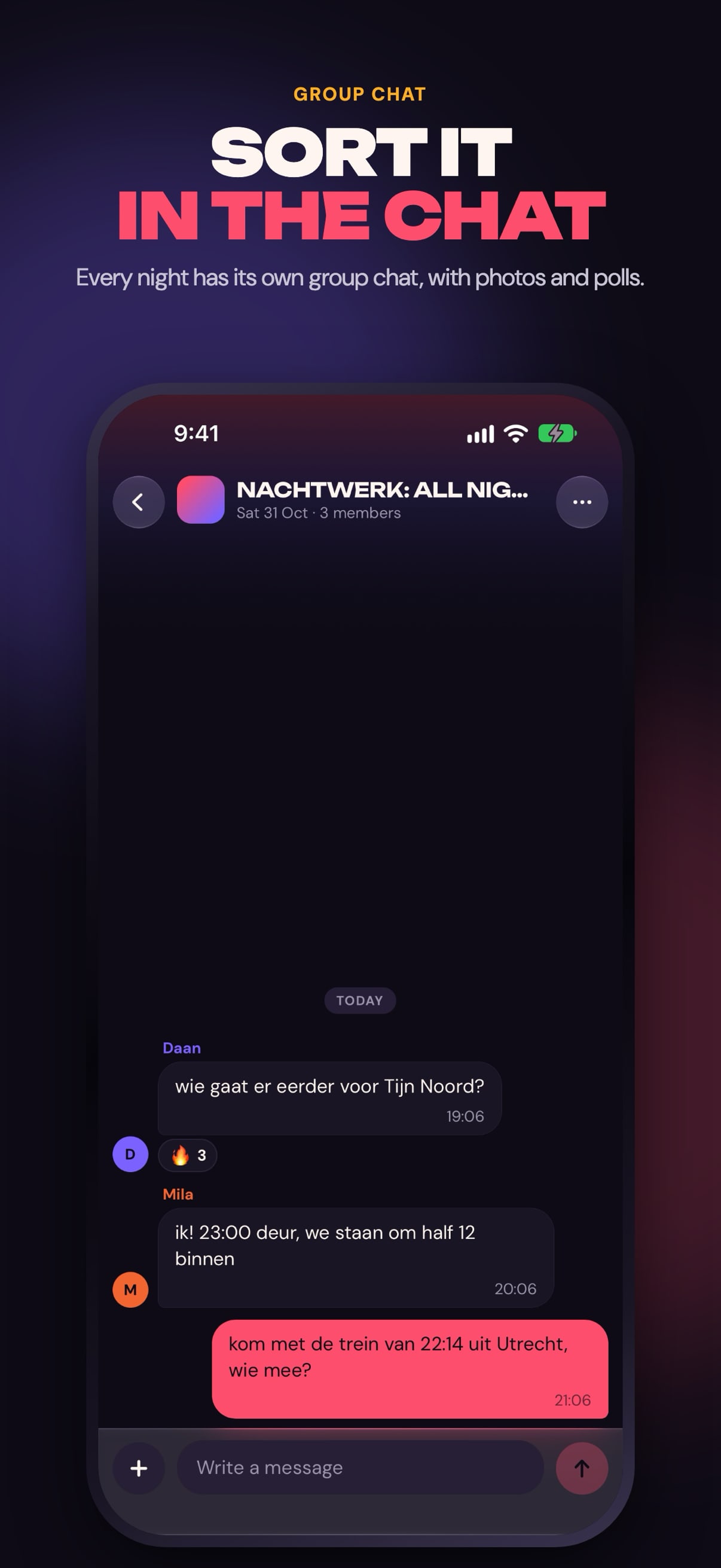
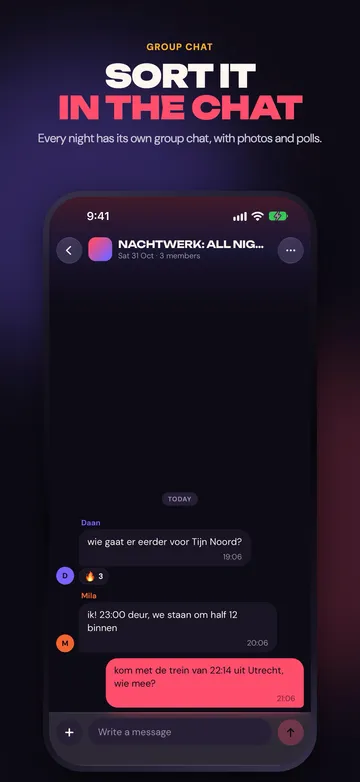 JPG 1320, iPhone, 6.9 inch, 04-chat, 1320 × 2868, 138 kB
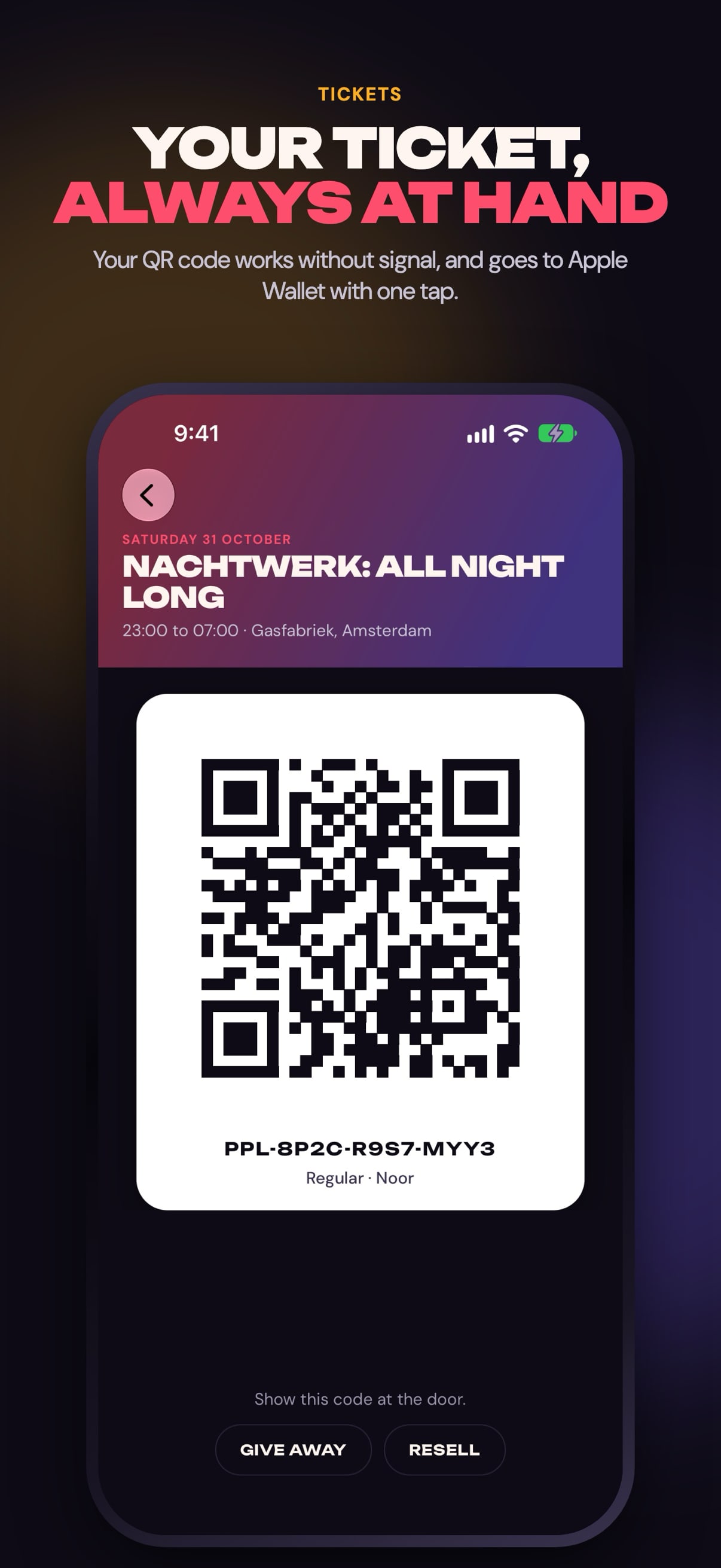
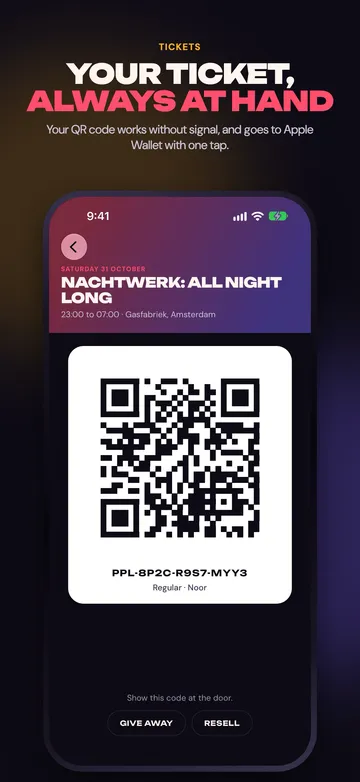 JPG 1320, iPhone, 6.9 inch, 05-tickets, 1320 × 2868, 177 kB
In Dutch
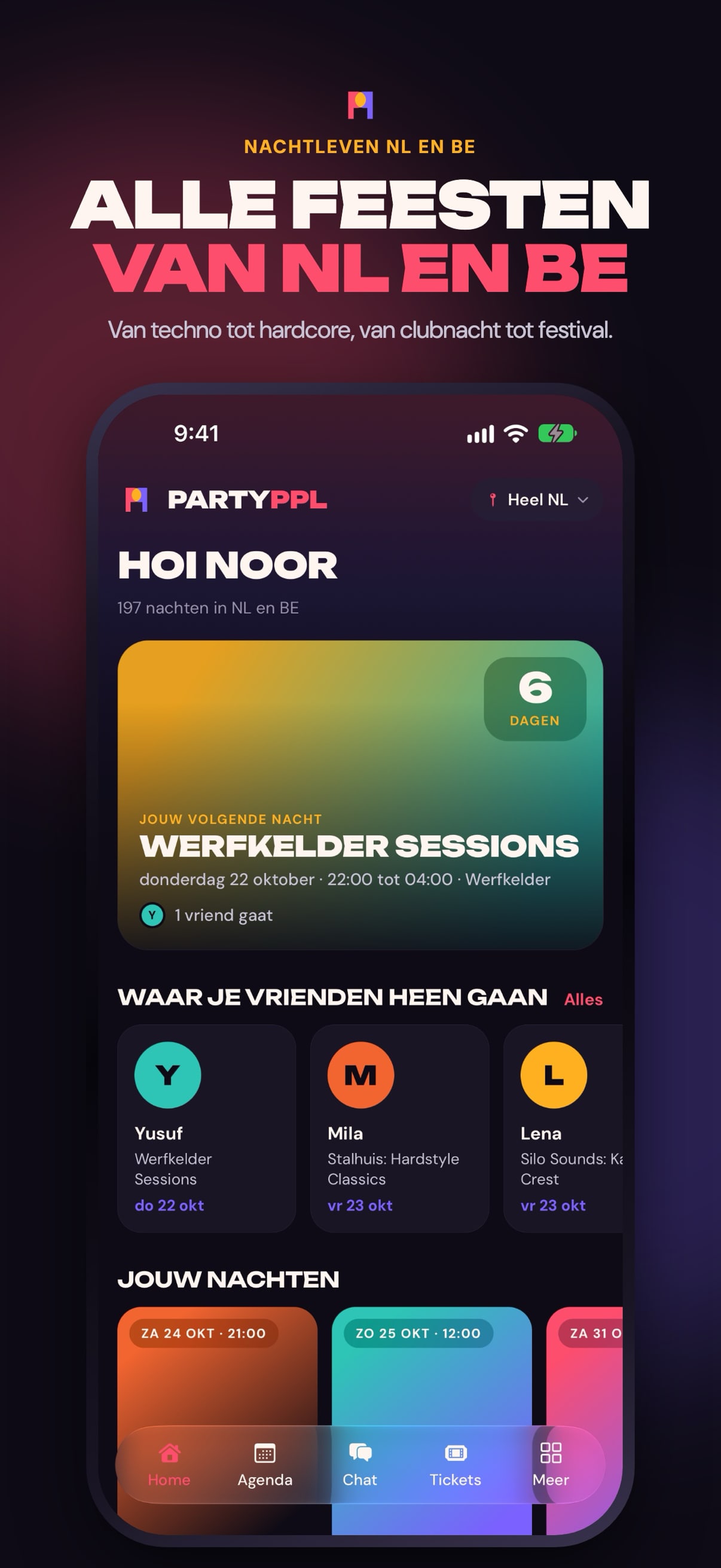
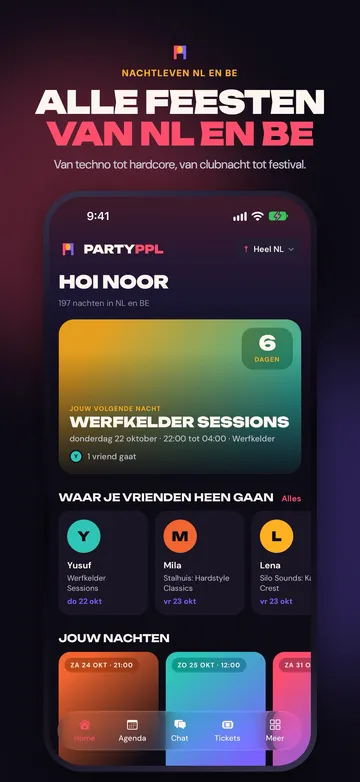 JPG 1320, iPhone, 6.9 inch, In Dutch, 01-home, 1320 × 2868, 218 kB
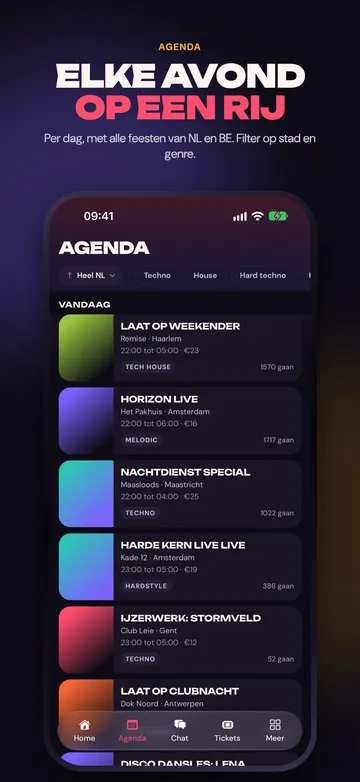 JPG 1320, iPhone, 6.9 inch, In Dutch, 02-agenda, 1320 × 2868, 213 kB
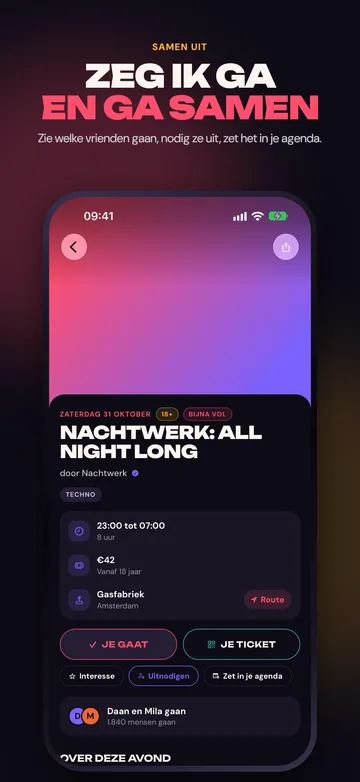 JPG 1320, iPhone, 6.9 inch, In Dutch, 03-event, 1320 × 2868, 182 kB
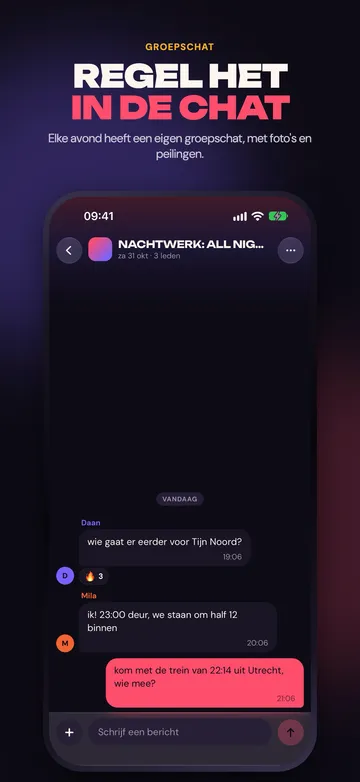 JPG 1320, iPhone, 6.9 inch, In Dutch, 04-chat, 1320 × 2868, 141 kB
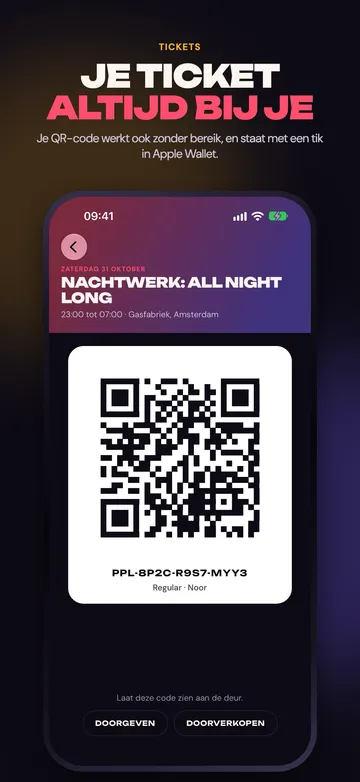 JPG 1320, iPhone, 6.9 inch, In Dutch, 05-tickets, 1320 × 2868, 176 kB
iPhone, 6.3 inch
The same five screens at 1206 by 2622.
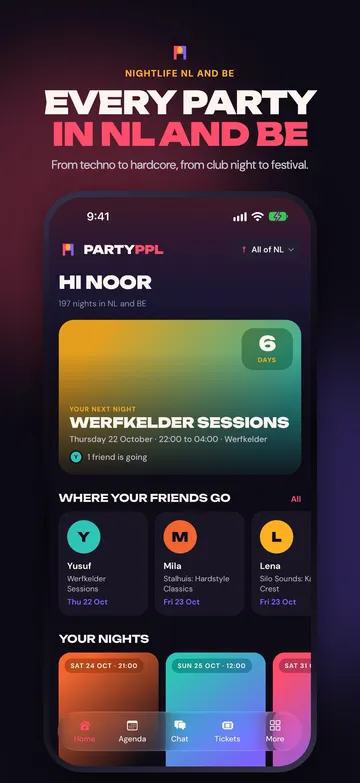 JPG 1206, iPhone, 6.3 inch, 01-home, 1206 × 2622, 189 kB
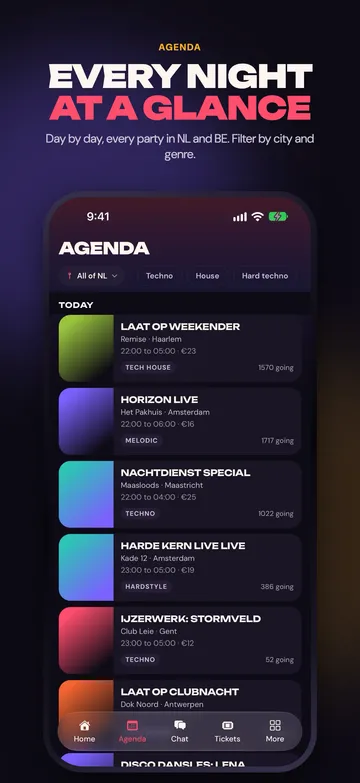 JPG 1206, iPhone, 6.3 inch, 02-agenda, 1206 × 2622, 185 kB
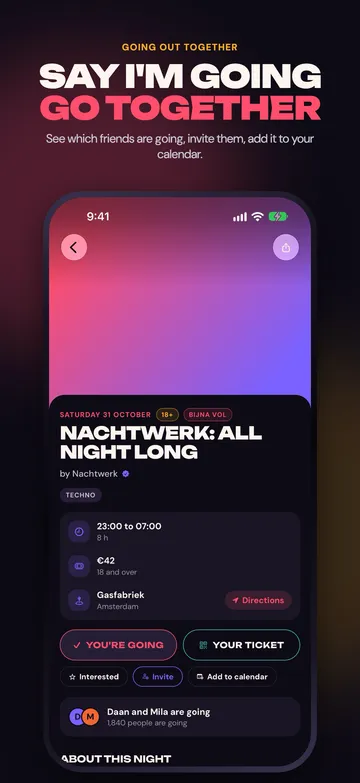 JPG 1206, iPhone, 6.3 inch, 03-event, 1206 × 2622, 166 kB
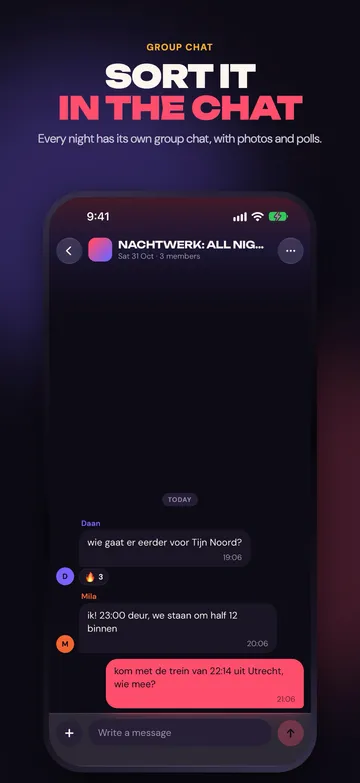 JPG 1206, iPhone, 6.3 inch, 04-chat, 1206 × 2622, 116 kB
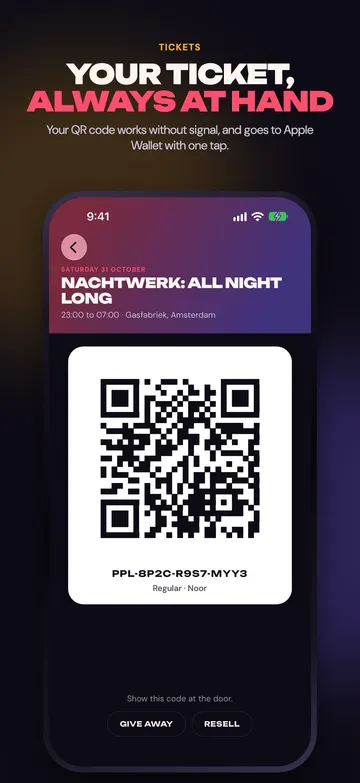 JPG 1206, iPhone, 6.3 inch, 05-tickets, 1206 × 2622, 157 kB
In Dutch
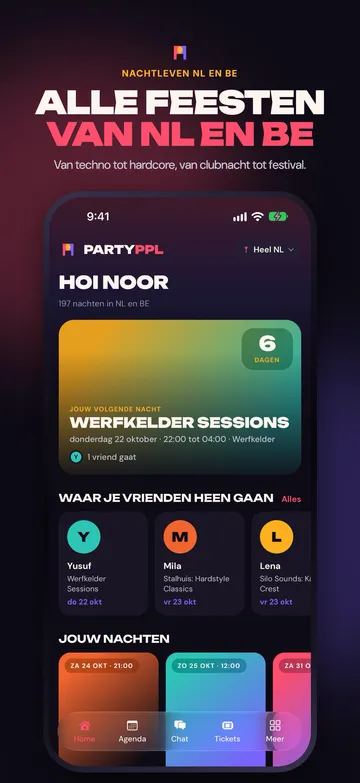 JPG 1206, iPhone, 6.3 inch, In Dutch, 01-home, 1206 × 2622, 193 kB
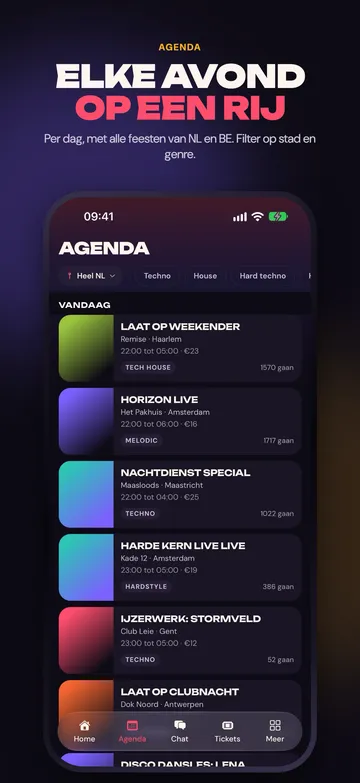 JPG 1206, iPhone, 6.3 inch, In Dutch, 02-agenda, 1206 × 2622, 184 kB
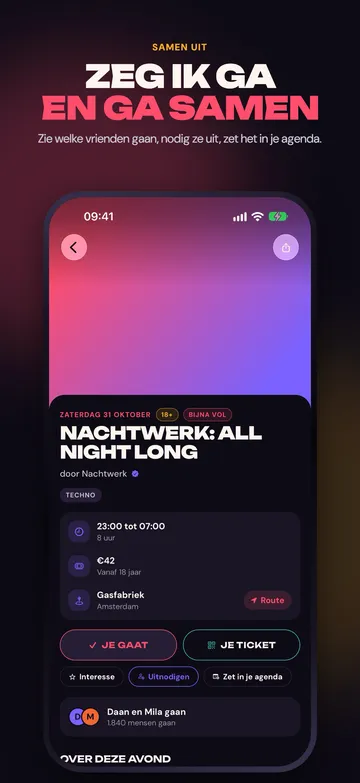 JPG 1206, iPhone, 6.3 inch, In Dutch, 03-event, 1206 × 2622, 156 kB
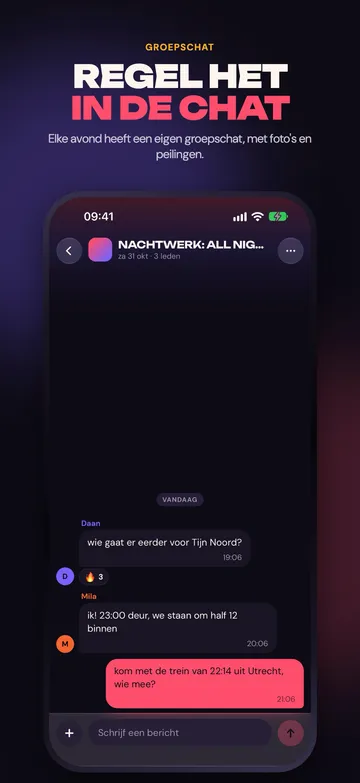 JPG 1206, iPhone, 6.3 inch, In Dutch, 04-chat, 1206 × 2622, 120 kB
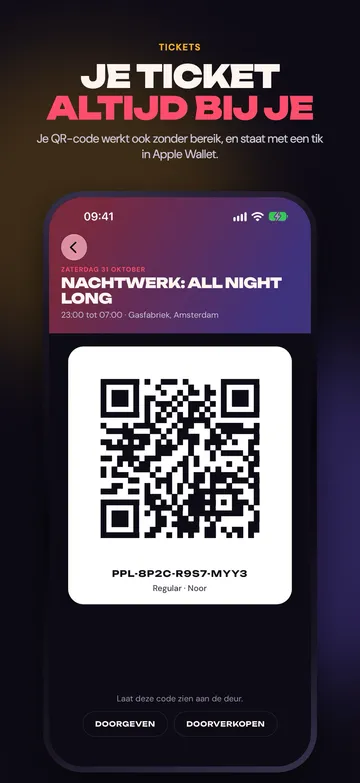 JPG 1206, iPhone, 6.3 inch, In Dutch, 05-tickets, 1206 × 2622, 155 kB
Product page
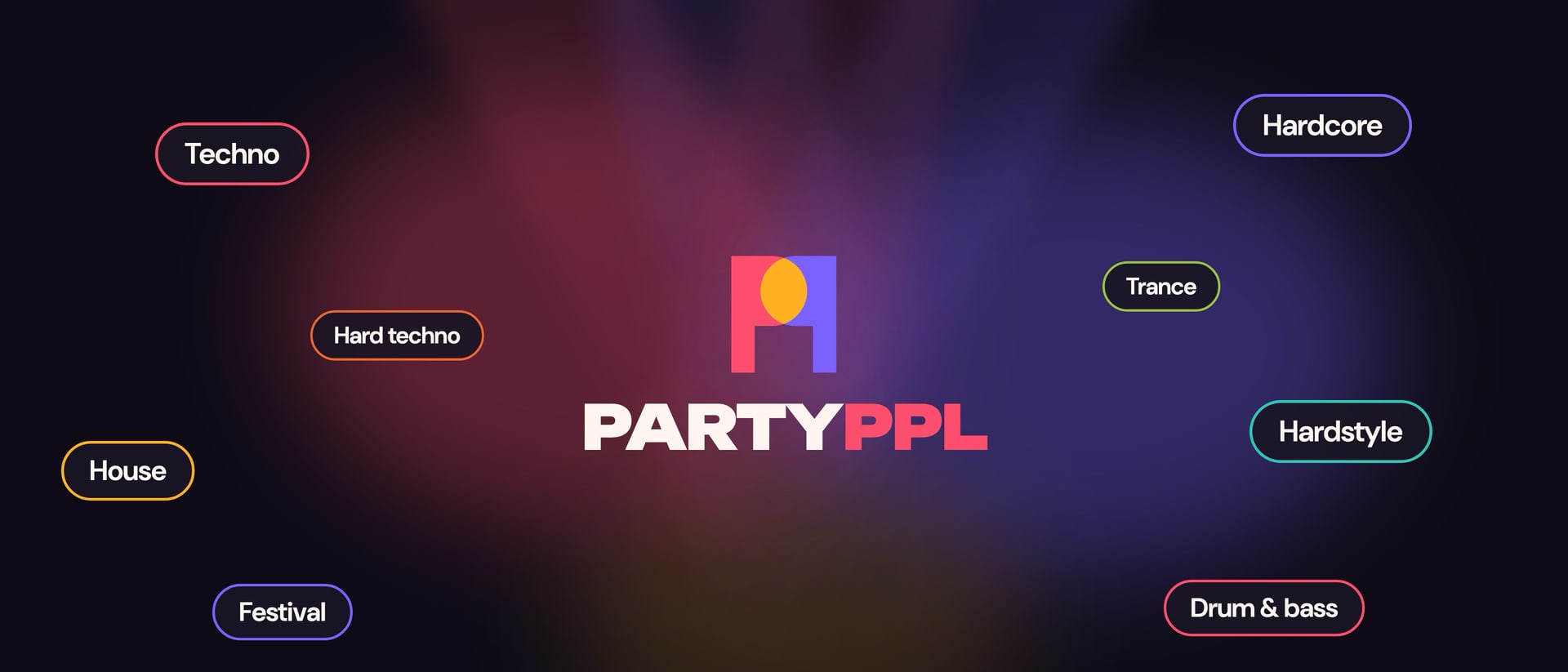
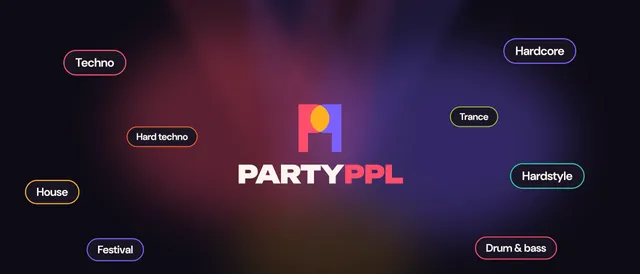
The header of the product page and the image in search results, and the custom product pages for campaigns.
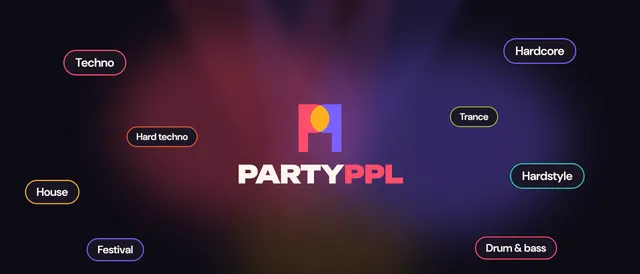
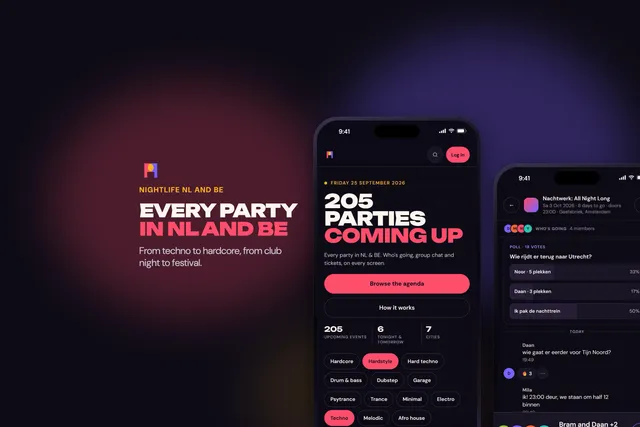
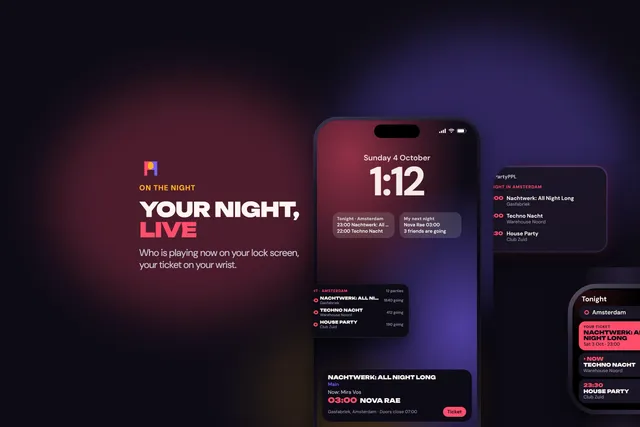
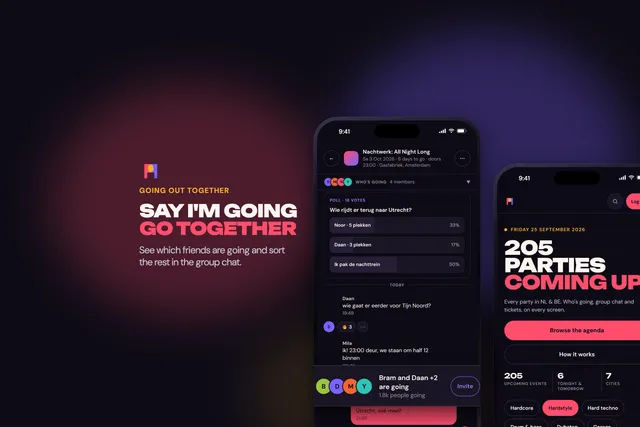
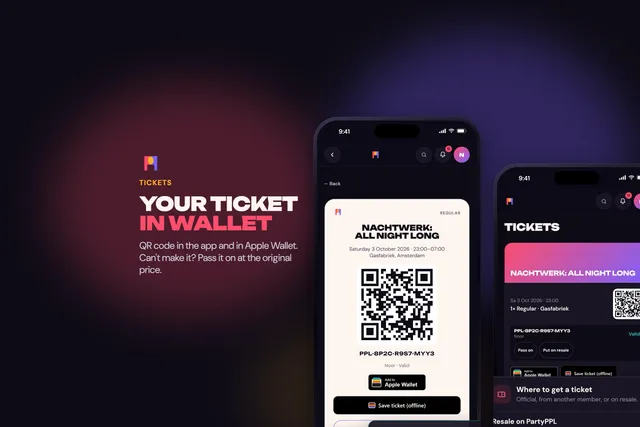
In Dutch
App Preview
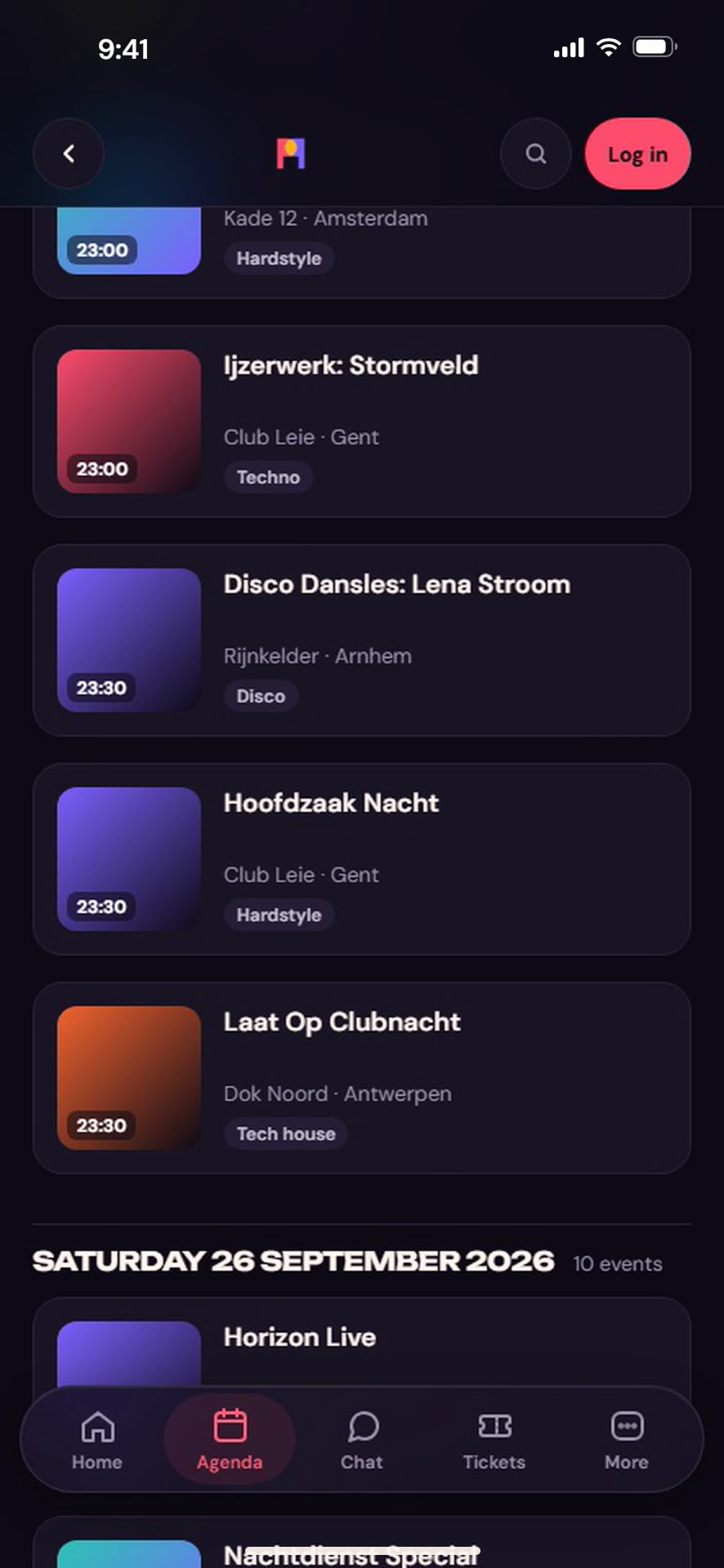
The still of the App Preview. The video itself is in App Store Connect.
JPG 886, App Preview, 886 × 1920, 90 kBApp Store badge
Apple allows the badge only with an app that is on the App Store. It appears here on the day PartyPPL comes out; until then mention the App Store in text, without a badge and without the Apple logo.
Do
- Use the screenshots as they are, with the headline on top.
- Pick a screenshot in the language of your piece.
- Say the agenda on screen is a demo, when it matters.
Don't
- Crop down to the bare screen, or swap the headline.
- Draw another device round it, or add an Apple logo.
- Paste real parties, prices or other people's logos into the screens.
- Promise what the app does not do: the agenda in the app is a list per day; the map and the calendar are the website's.